

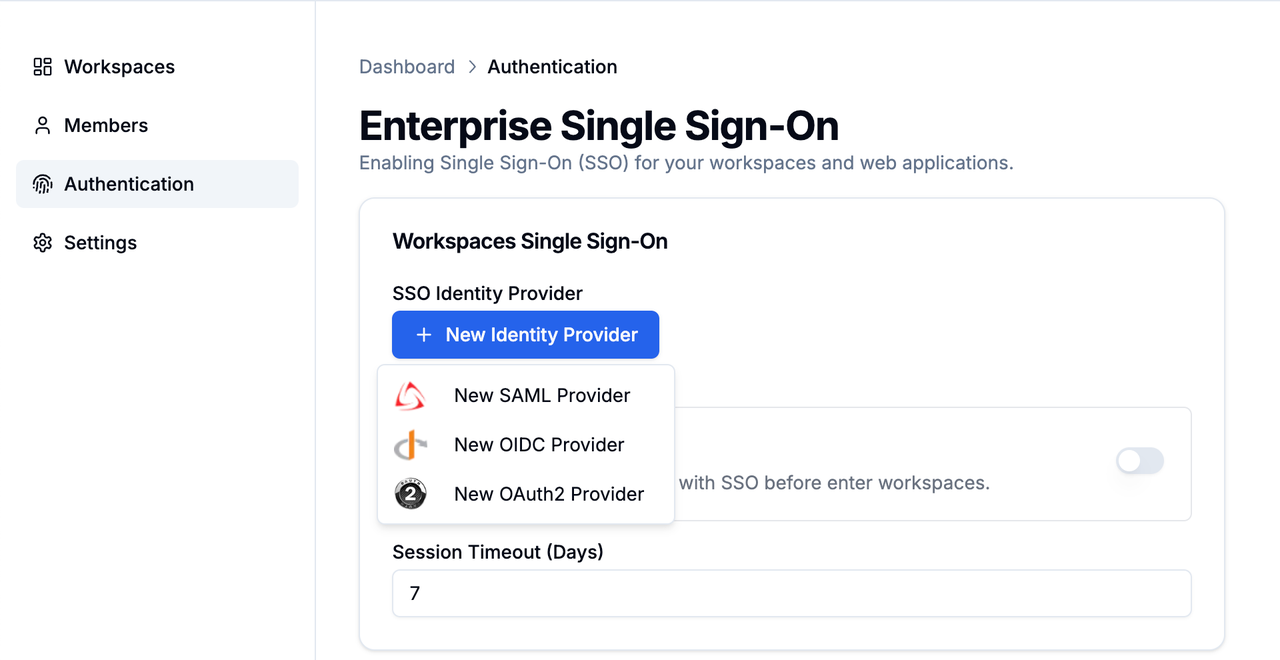
SSO Application Scope
Dify Enterprise’s SSO authentication system provides two different scope options for Single Sign-On (SSO) configuration:Workspace SSO
- Controls how users access the Dify Enterprise platform itself.
- When enabled, all users must authenticate through your specified Identity Provider (IDP) before entering any workspace.
Web App SSO
- Controls user access permissions to Web applications created within the Dify Enterprise platform.
- When enabled, users must authenticate through the Identity Provider (IDP) before accessing any Web applications created by the Dify Enterprise platform. Access is granted only after authentication. This is the enterprise-wide setting; individual web apps manage access through their own access controls. See Access Control for details.
- Azure EntraID explicitly disallows SSO login pages from being embedded in iframe pages due to security concerns.
- Okta allows SSO login pages to be embedded with configuration. For detailed information, please refer to the Okta Official Documentation.
Configuring SSO Authentication
Administrators can easily integrate Dify Enterprise with various identity providers such as Okta, OneLogin, or Azure Active Directory (Azure AD). Dify Enterprise works with any OIDC-compliant or SAML identity provider. You can refer to the following SSO provider configuration guides:- Configure OIDC with Okta
- Configure SAML with Okta
- Configure SAML with Azure
- Configure OAuth2 with GitHub