- Log in to the enterprise dashboard
- Add / delete / disable team members
- Add Owners to Workspace
- Add new members to Workspace and assign permissions
Adding System Administrators
The creator of the enterprise dashboard is the default first system administrator. Any system administrator can invite others to become system administrators.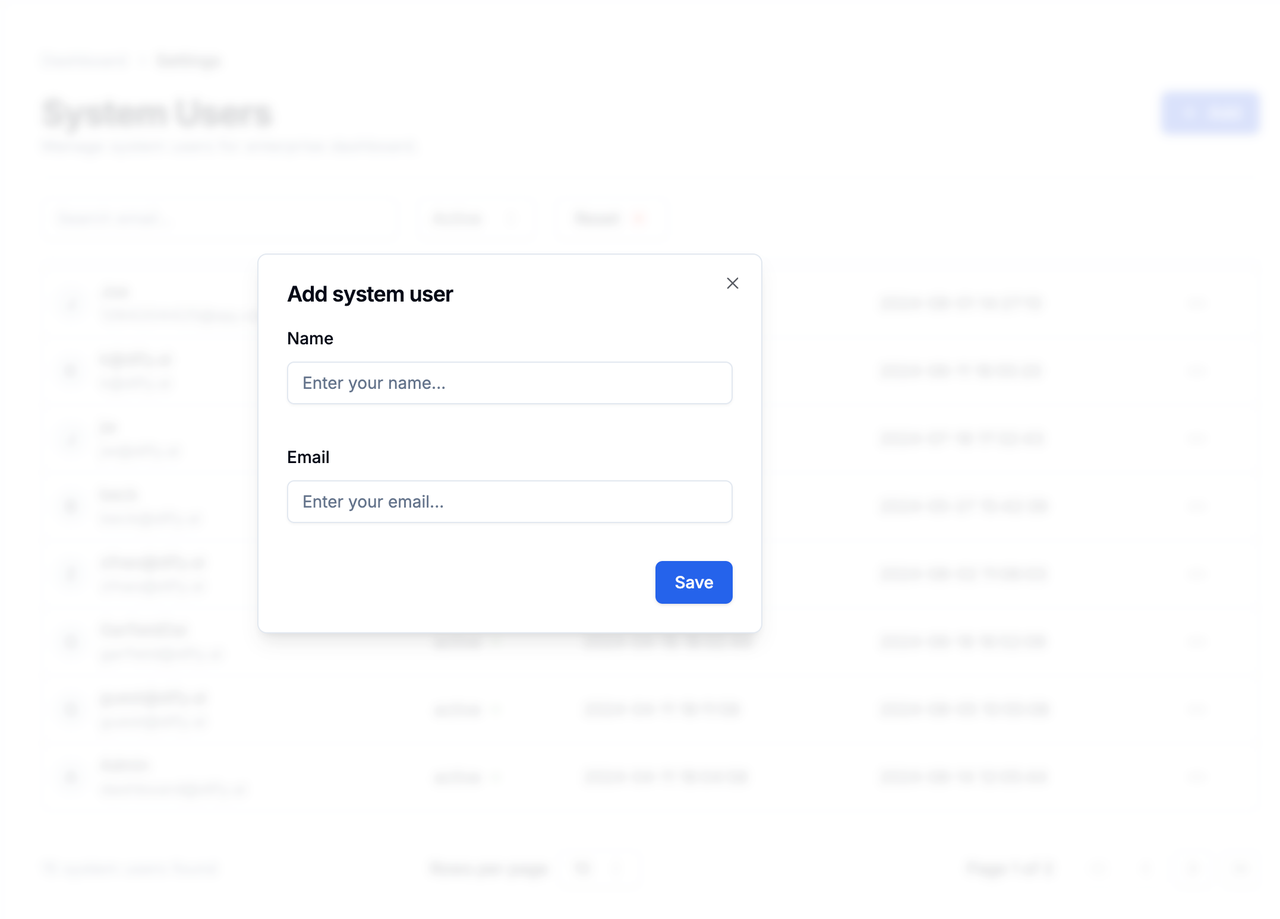
- Click the blue Add button in the upper right corner of the Settings page
- Enter the user’s name and email to complete the addition
Modifying System Administrator Information
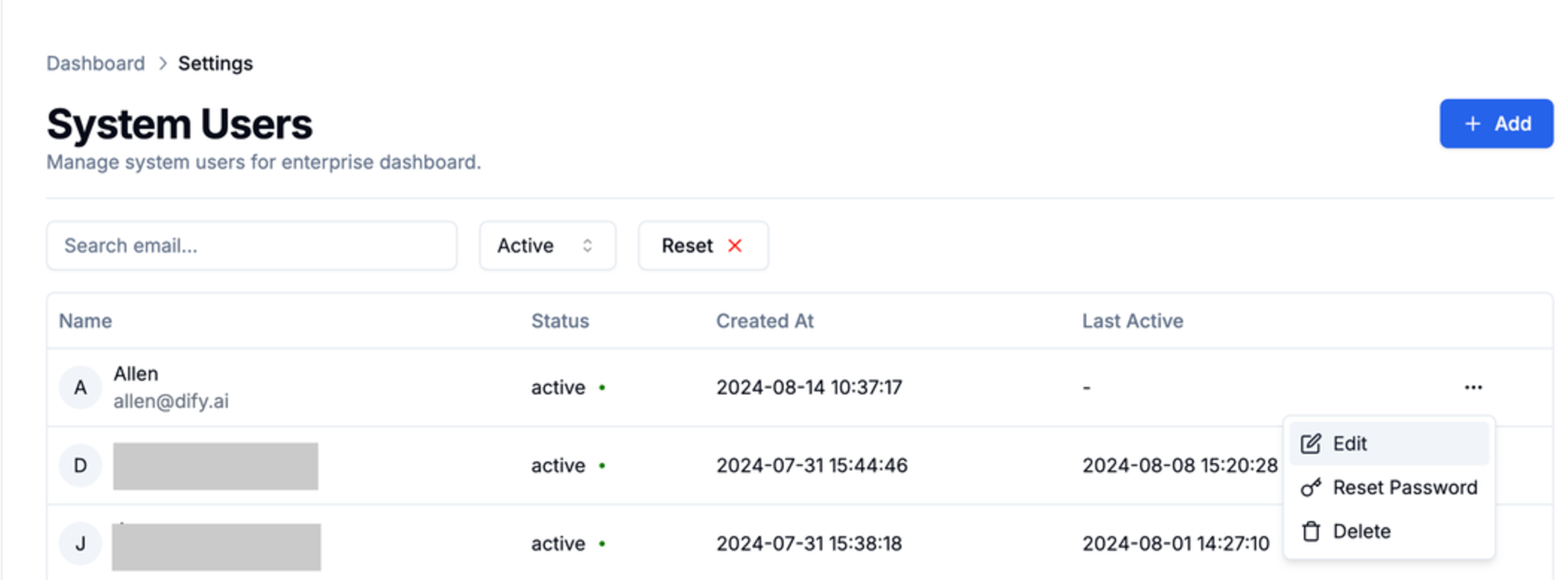
- Select a system administrator
- Click the menu button on the right
- Tap Edit
- Modify the system administrator’s name or email in the pop-up tab
Resetting System Administrator Password
If a member has lost their password, a system administrator needs to manually send a password reset email.- Click the menu button on the right side of the member
- Tap “Reset Password”

Disabling System Administrators
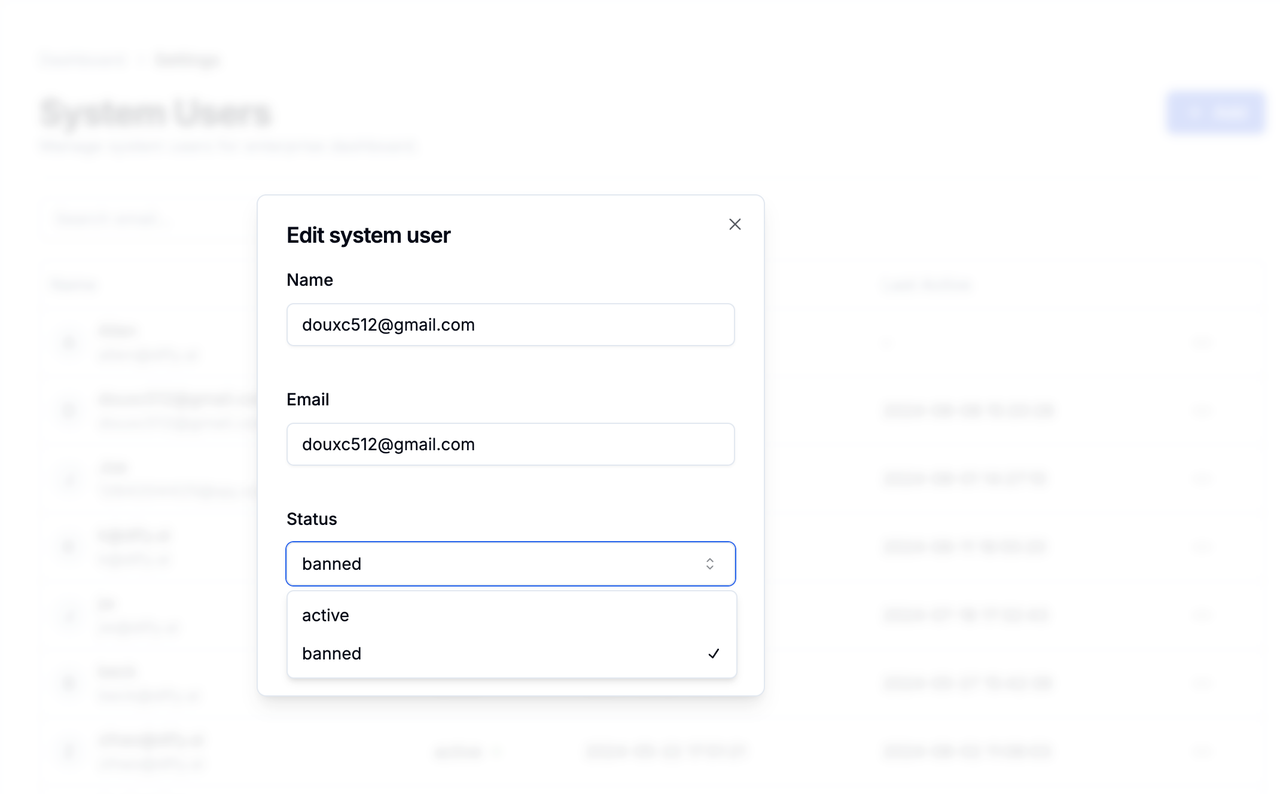
- Select a system administrator
- Click the menu button on the right
- Tap Edit
- Switch the member’s Status to banned
Deleting Administrators
⚠️ Dangerous operation, please handle with caution- Click the menu button on the right side of the system administrator
- Tap Delete
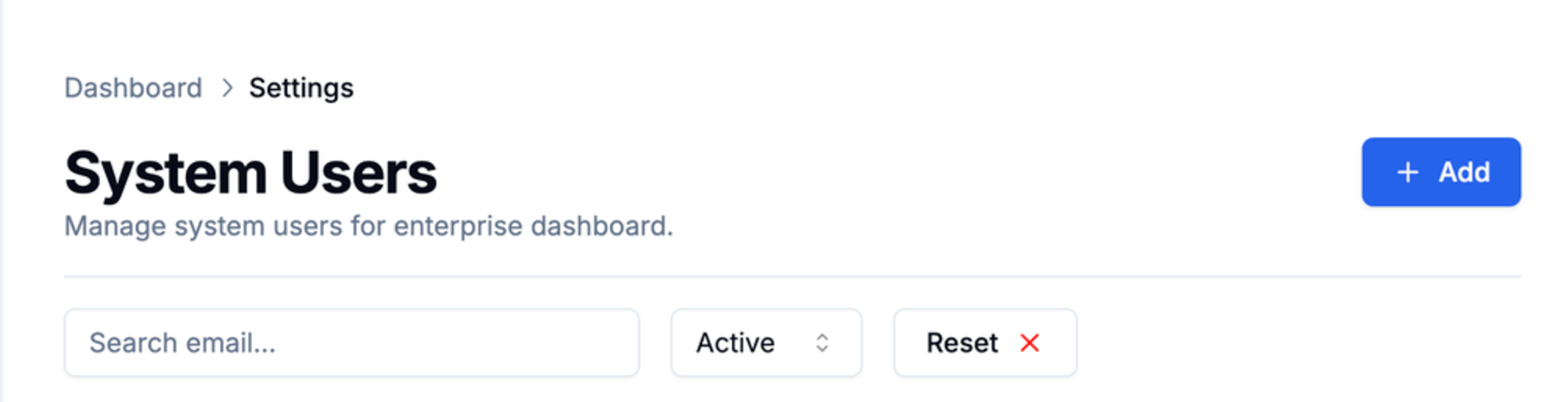
Searching for Administrators
You can enter an email in the search box to search system administrators.