

How Plugins Work
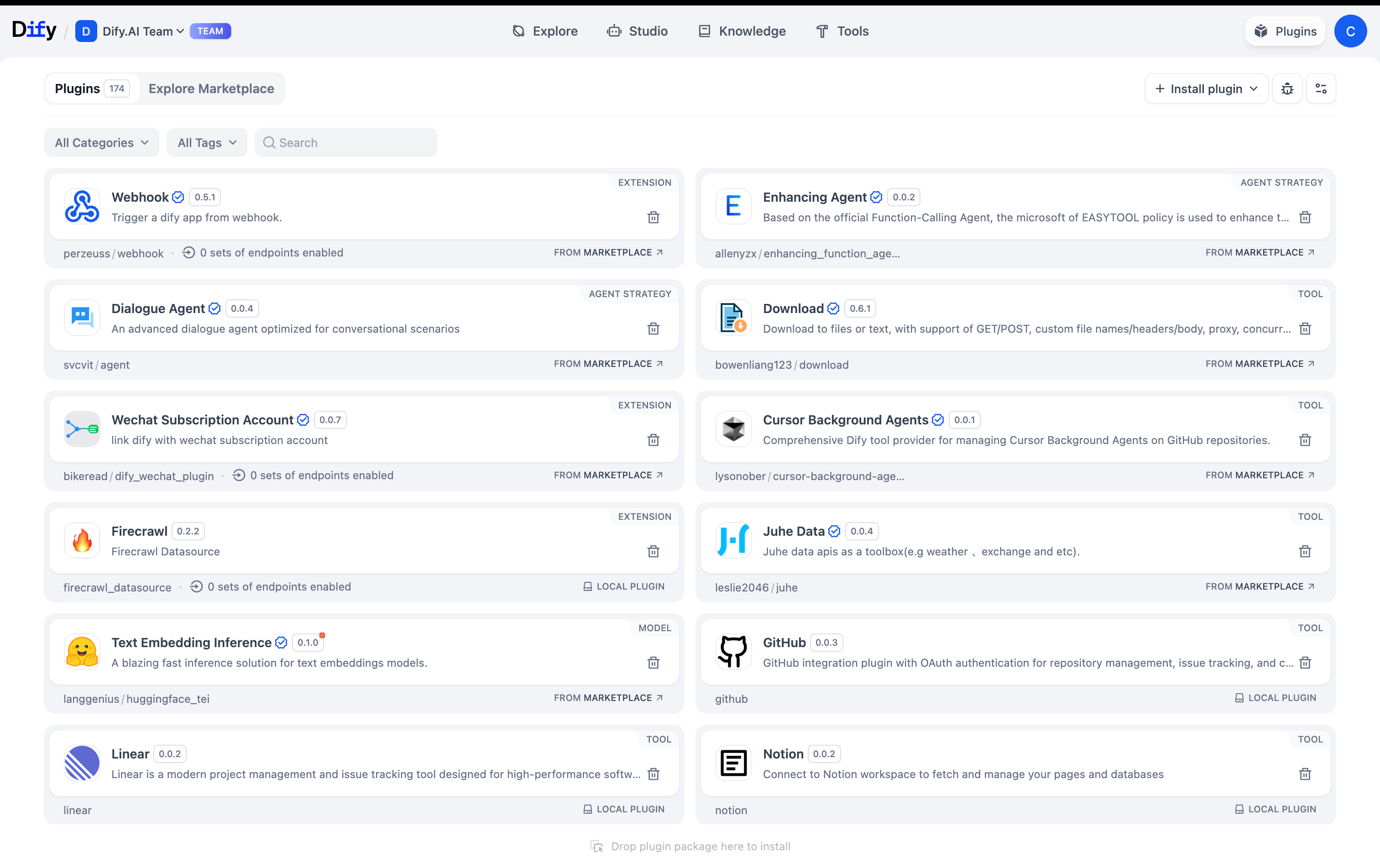
- Owners & Admins
- Editors & Members
Install, configure, and remove plugins for the entire workspace
Install Plugins
Marketplace
Plugins from Dify, its partners, and community developers. Each plugin is reviewed and tested before publication, then maintained by its publisher.
GitHub
Install from any public repository with URL + version
Local Upload
Custom .zip packages for private or internal plugins
An administrator can restrict plugin installation: limiting the available sources (for example, Marketplace only) and which plugins may be installed (for example, official plugins only). See Plugin Installation Strategy.
If you open the Marketplace inside Dify, the plugin installs to your current deployment when you click Install.If you open the Marketplace another way, set your deployment’s URL in Install Preference before installing. Your browser remembers the target.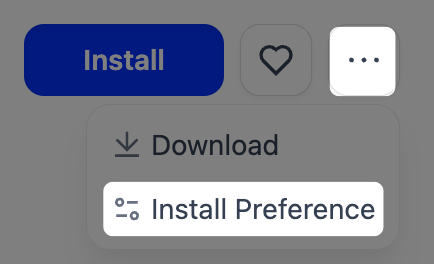
What Plugins Really Are
Think of plugins as the bridge between Dify and the outside world:Model Providers
Every LLM in Dify (OpenAI, Anthropic, etc.) is actually a plugin
Tools & Functions
API calls, data processing, calculations, all plugin-based
Custom Endpoints
Expose your Dify apps as APIs that external systems can call
Reverse Invocation
Plugins can call back into Dify to use models, tools, or workflows
Workspace Plugin Settings
Control plugin permissions in your workspace settings:Installation Rights
Installation Rights
Everyone - Any member can install plugins
Admin Only - Only workspace admins can install (recommended)
Debug Access
Debug Access
Everyone - All members can debug plugin issues
Admin Only - Restrict debugging to admins
Auto-updates
Auto-updates
Choose update strategy (security only vs. all updates) and specify which plugins to include or exclude
Build Custom Plugins
Develop plugins using Dify’s SDK when you need custom functionality:- Get a debugging key from Settings → Plugins → Debugging
- Build and test your plugin locally
- Package as a .zip with manifest and dependencies
- Distribute privately or publish to the marketplace