After installing Dify Enterprise, you need to activate the license to use the services.
Active Type
Online Activation
Click on the License tab in the left menu of the Dify Enterprise dashboard, then click the activation button in the upper right corner. Select Online as the activation type, enter the License ID, and complete the activation process.
Please contact the Dify business team to get the License ID.
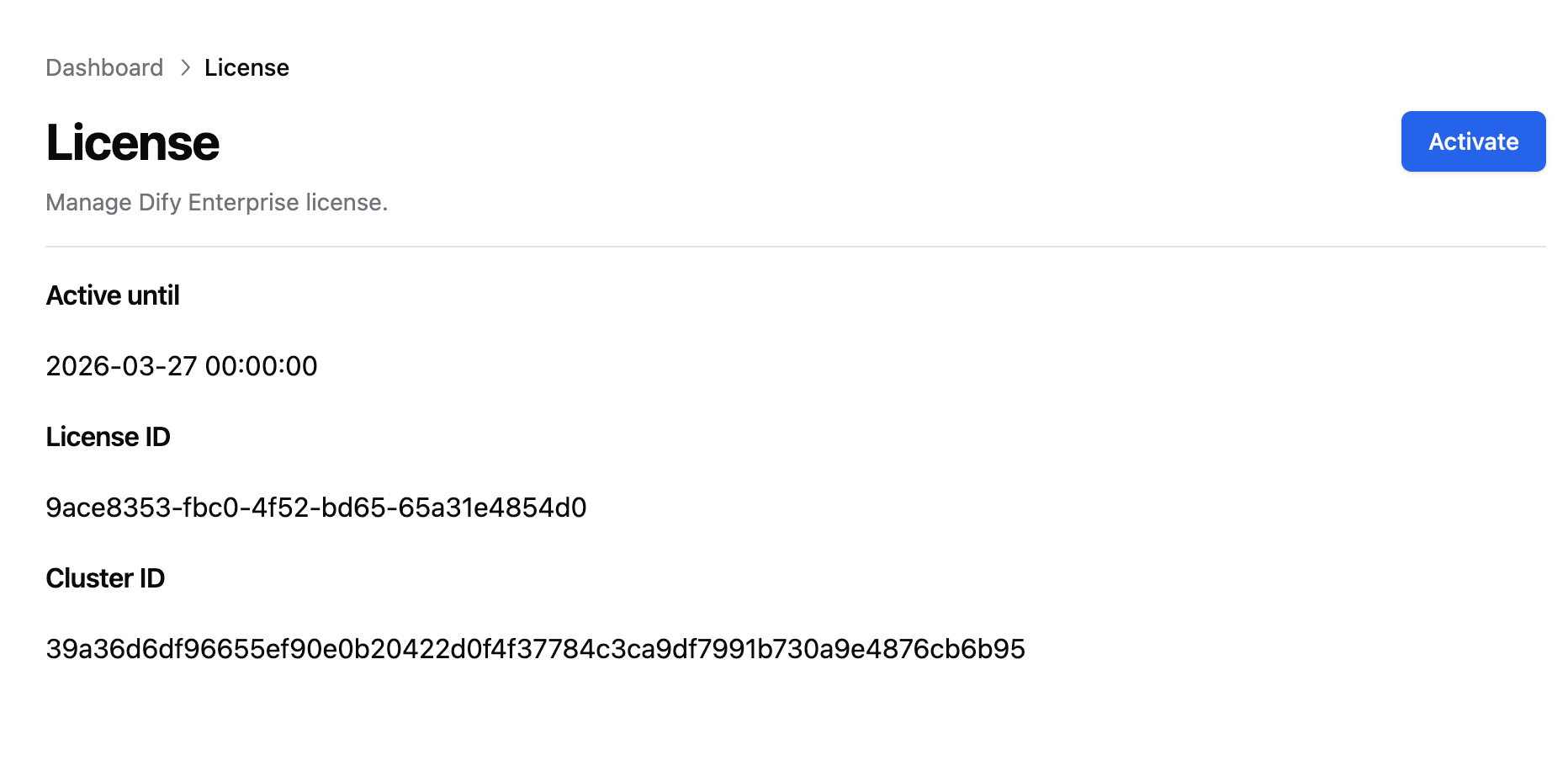
Offline Activation
-
Click on the License tab in the left menu of the Dify Enterprise dashboard, then click the activation button in the upper right corner. Select
Offline as the activation type.
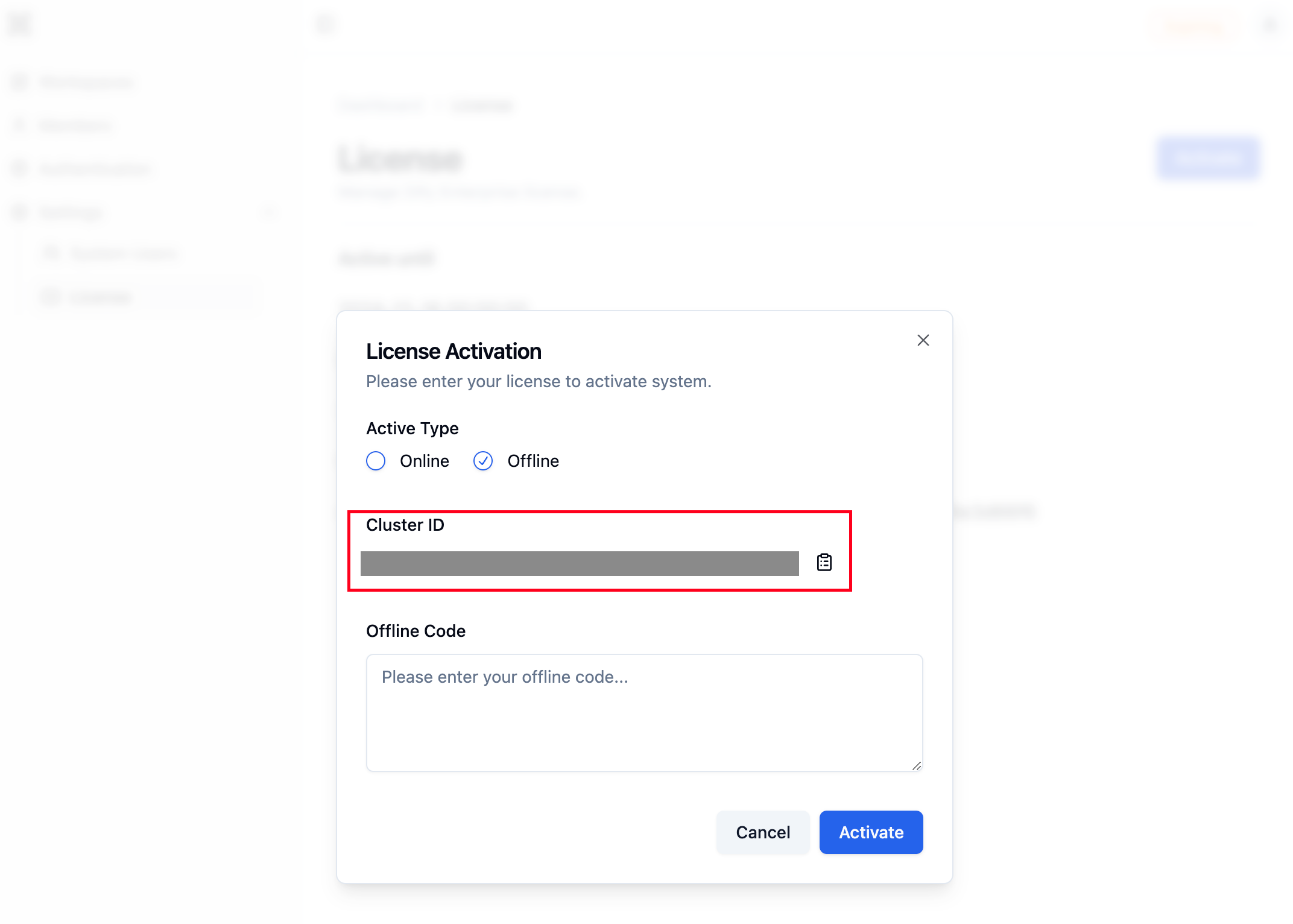
Copy the Cluster ID and send it to your Dify business team to obtain the Offline Code.
-
Before activating the license, you need to change the
licenseMode value in the values.yaml file to offline.
-
Display Helm Chart Values
helm show values dify/dify
-
Set License Mode to
offline
enterprise:
    licenseMode: "offline"
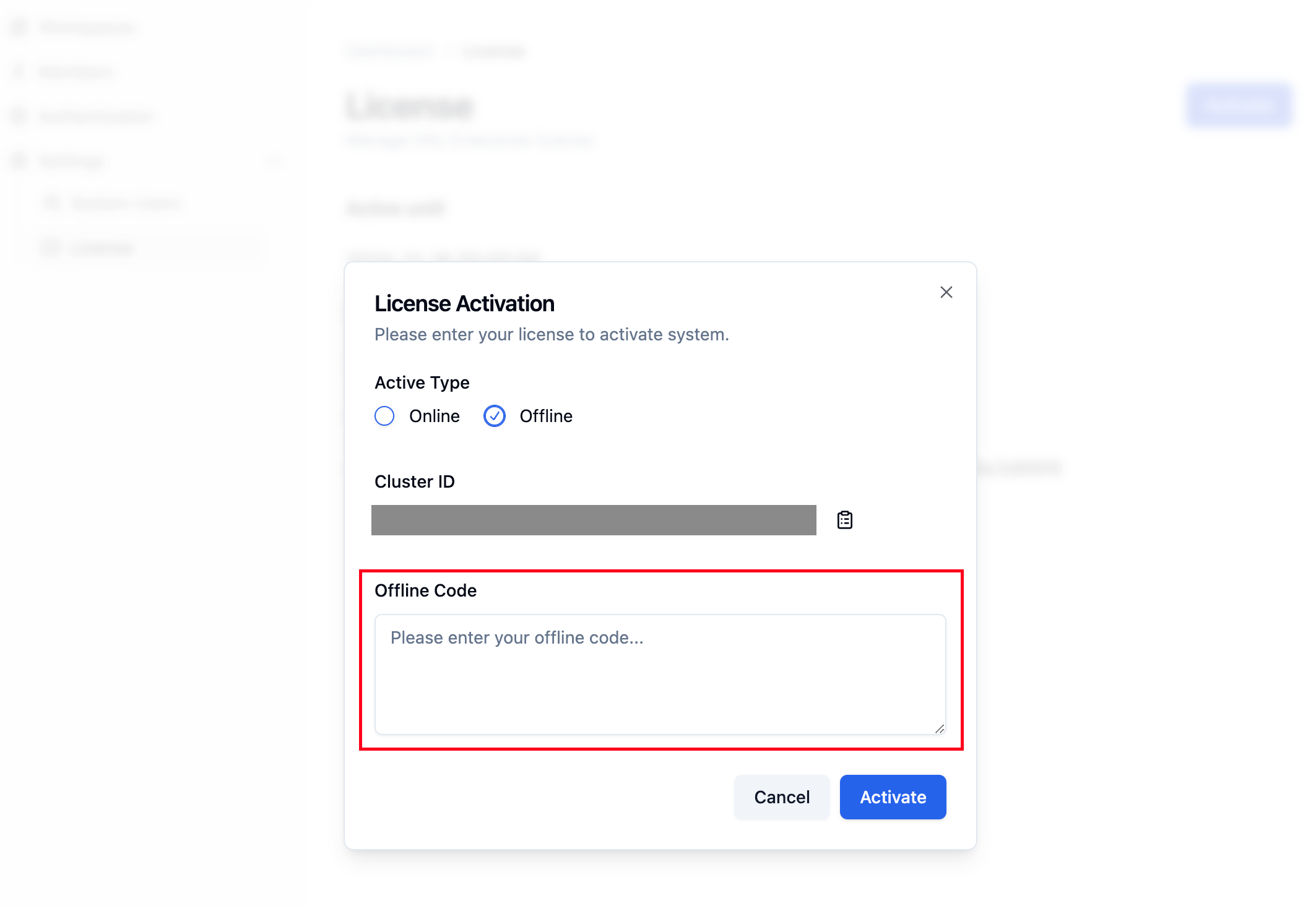
After making the changes, return to the License activation tab, enter the Offline Code, and complete the activation process.