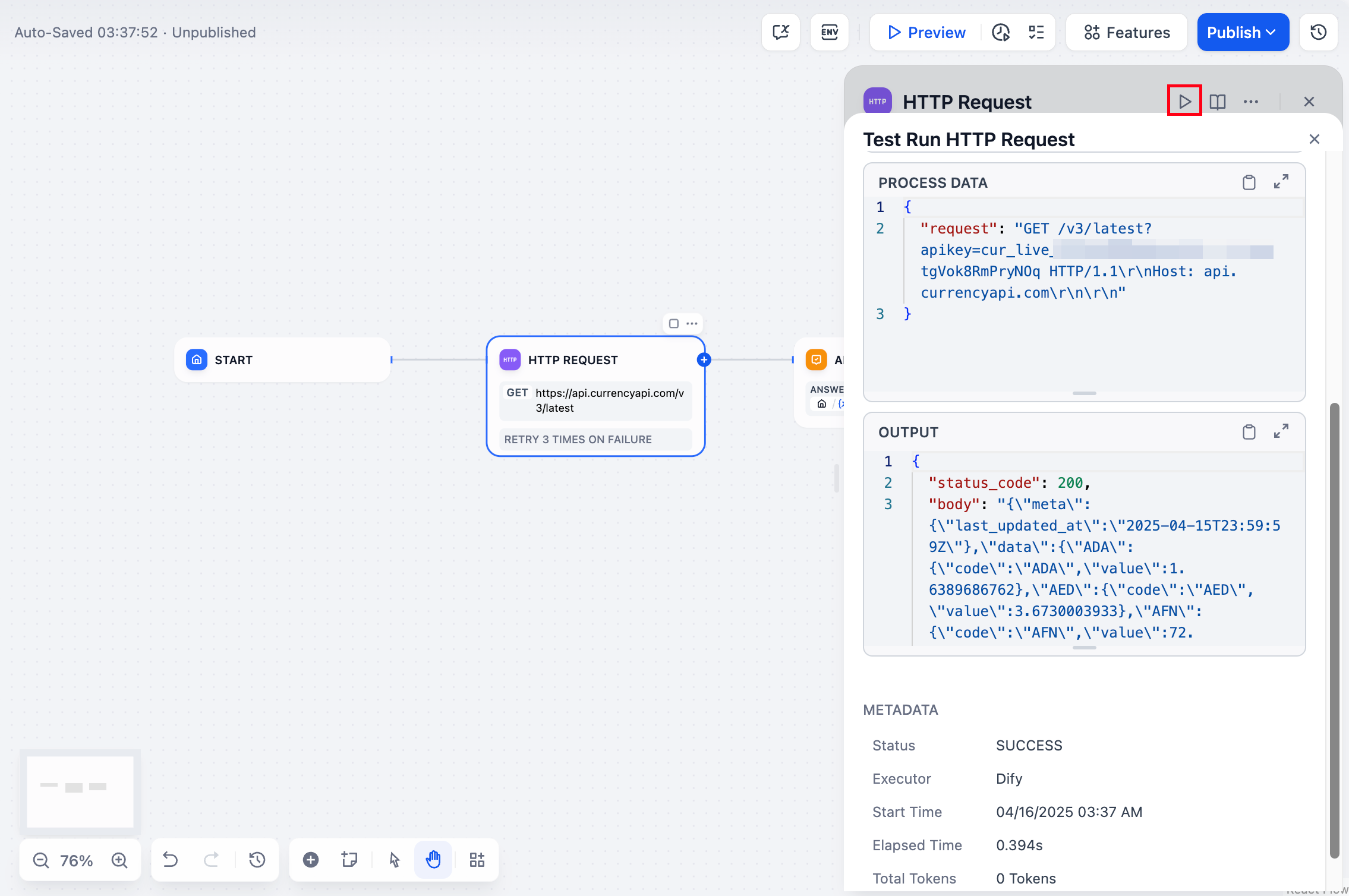
Test individual nodes to catch issues before publishing.
Single node testing
You can test most nodes individually without running the entire workflow. Select the node, provide test input in its settings panel, and click Run to see the output.
The run results, including inputs, outputs, timing, and any error messages, appear in the node’s panel.
Start, If/Else, Variable Aggregator, Variable Assigner, List Operator, Answer, and End nodes don’t support single node testing.