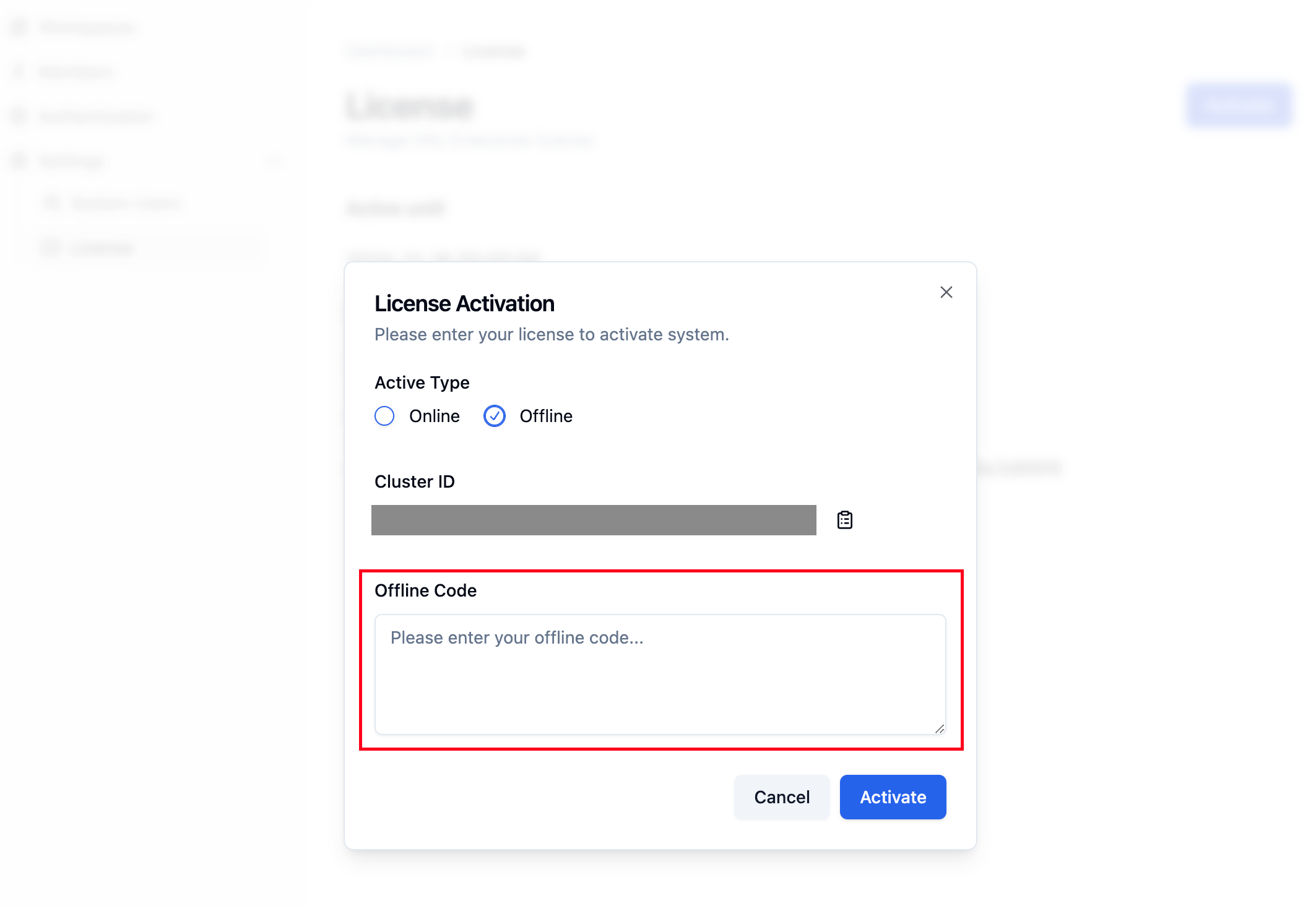
Active Type
- Online (Default)
- Offline
Online Activation
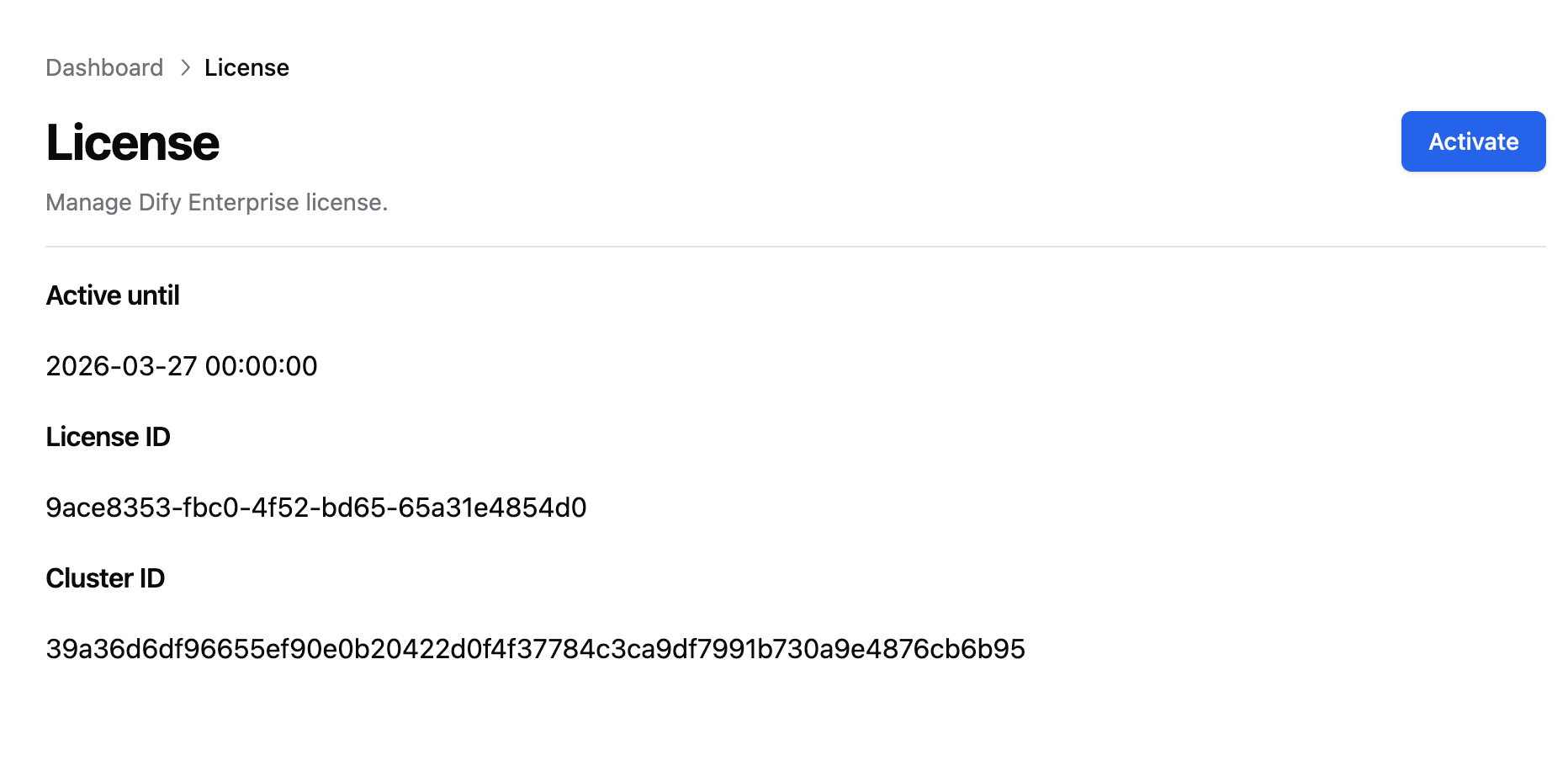
Click on the License tab in the left menu of the Dify Enterprise dashboard, then click the activation button in the upper right corner. SelectOnline as the activation type, enter the License ID, and complete the activation process.
Offline Activation
-
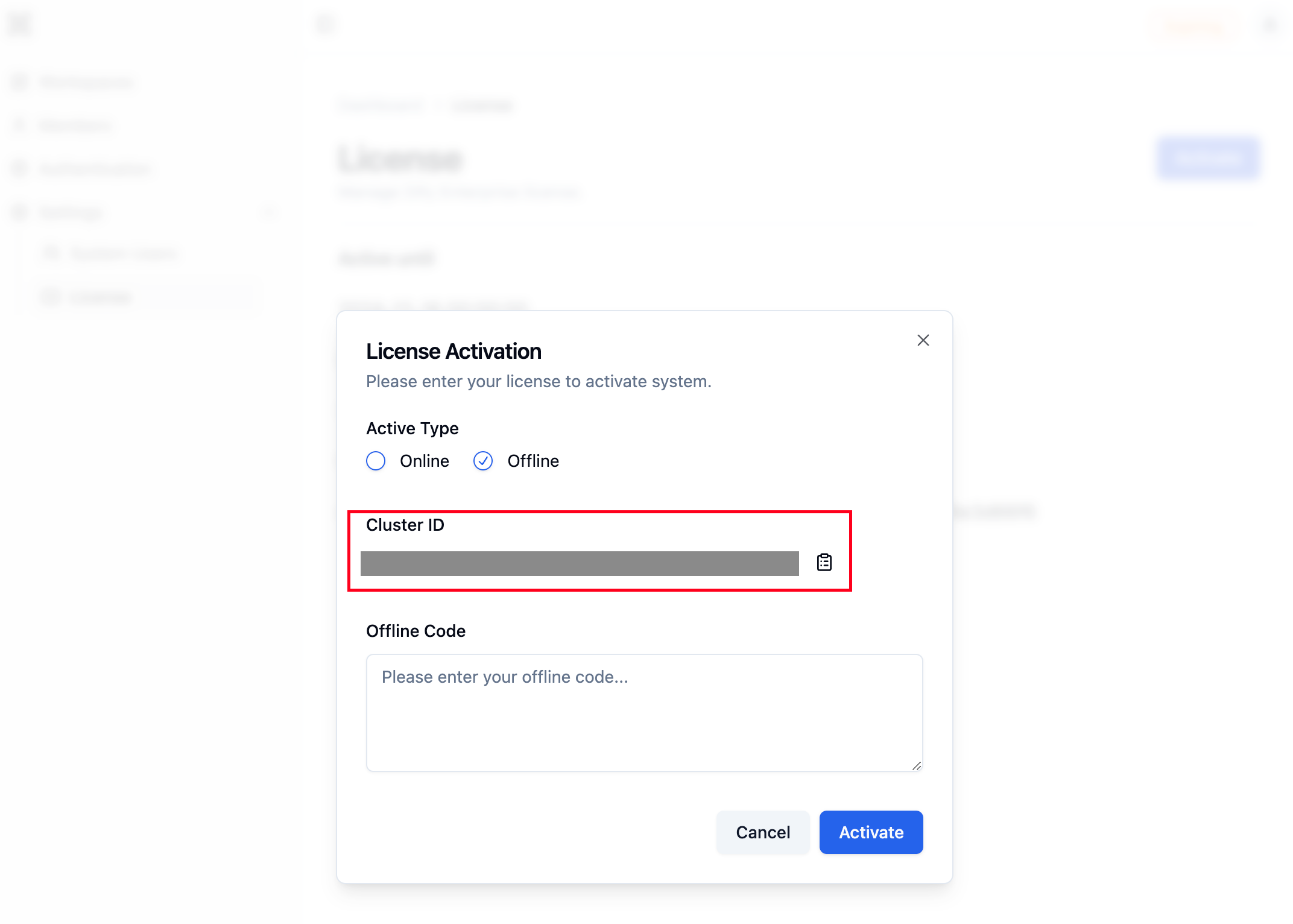
Click on the License tab in the left menu of the Dify Enterprise dashboard, then click the activation button in the upper right corner. Select
Offlineas the activation type. Copy theCluster IDand send it to your Dify business team to obtain theOffline Code.
-
Before activating the license, you need to change the
licenseModevalue in thevalues.yamlfile tooffline.-
Display Helm Chart Values
-
Set License Mode to
offline
-
Display Helm Chart Values
Offline Code, and complete the activation process.