

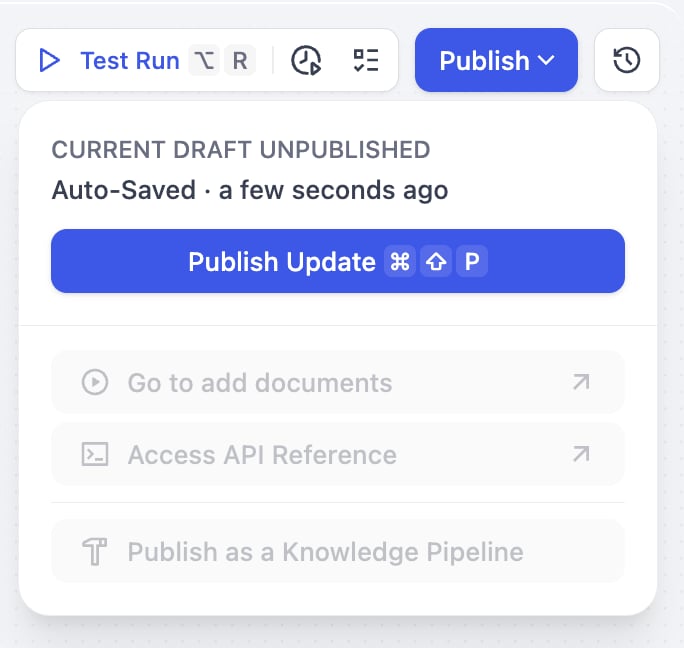
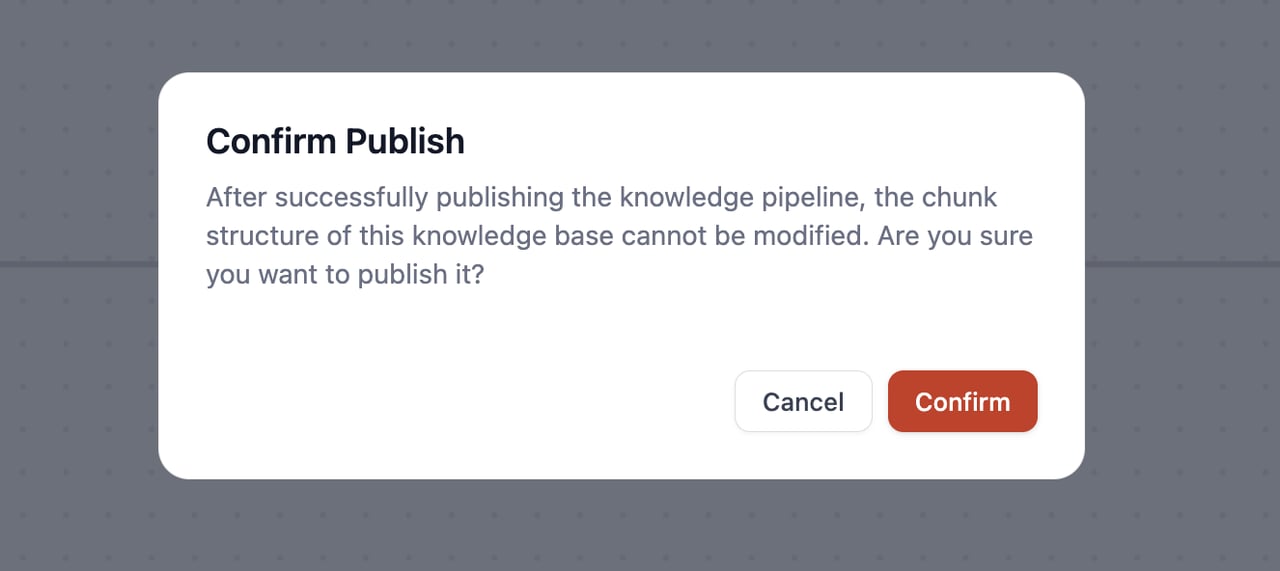
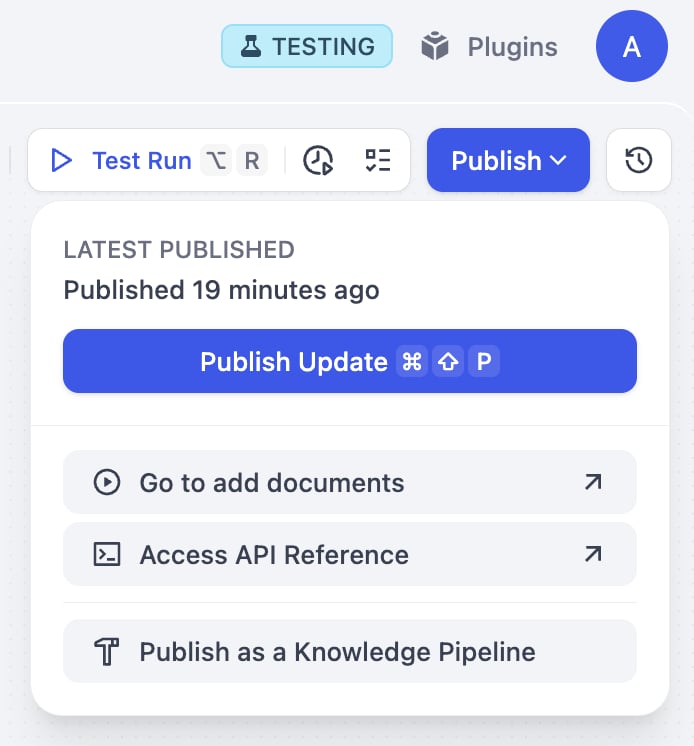
Once it is published, you can:
Add Documents (Go to add documents)
Click this option to jump to the knowledge base data source selection interface, where you can directly upload documents.
Publish as a Knowledge Pipeline
Optionally use Publish as a Knowledge Pipeline to save it as a reusable template that will appear in the Customized section for future use.
Add Documents (Go to add documents)
Click this option to jump to the knowledge base data source selection interface, where you can directly upload documents.
Publish as a Knowledge Pipeline
Optionally use Publish as a Knowledge Pipeline to save it as a reusable template that will appear in the Customized section for future use.