

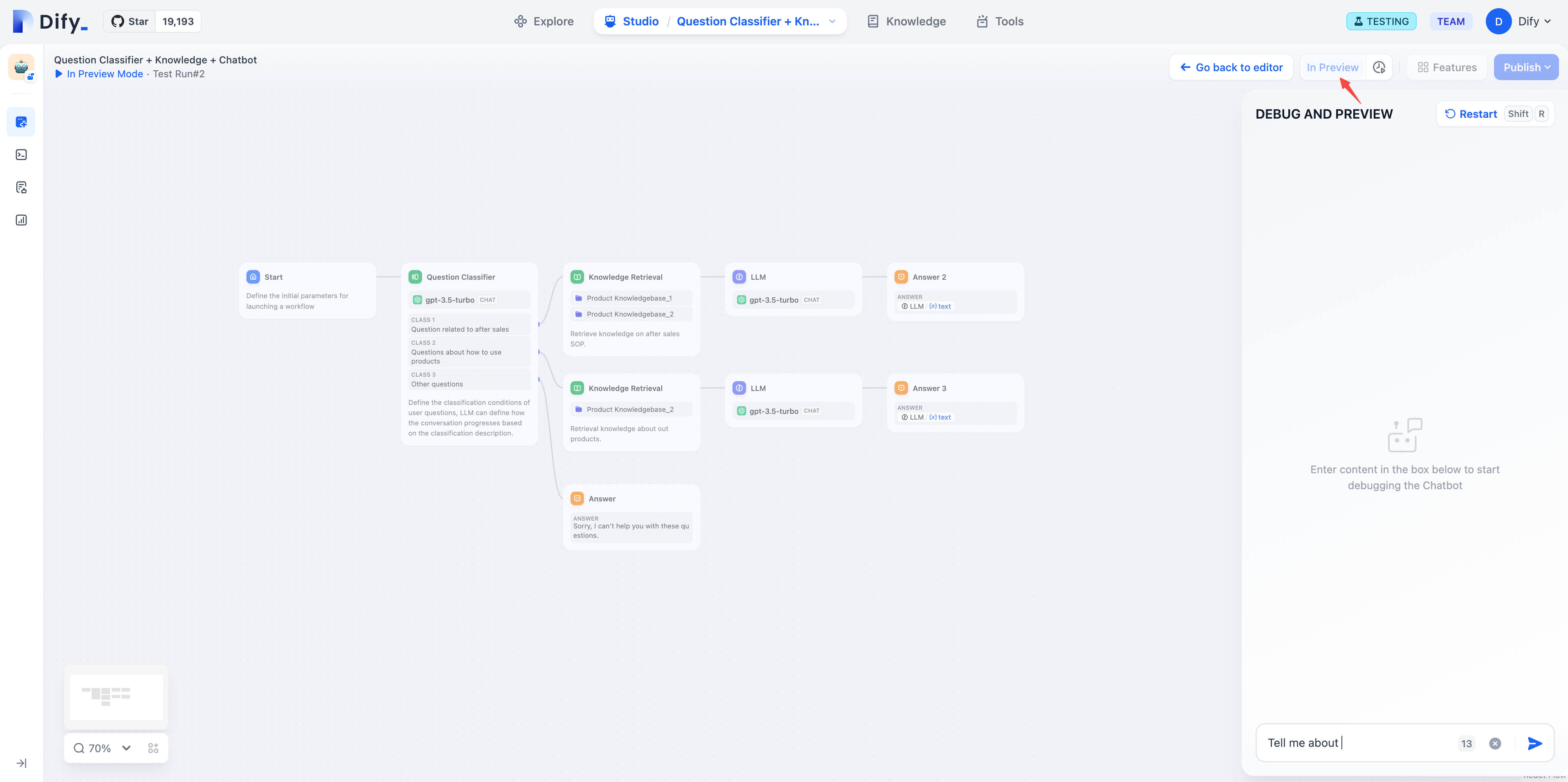
 In workflow applications, clicking “Run” enters debugging mode.
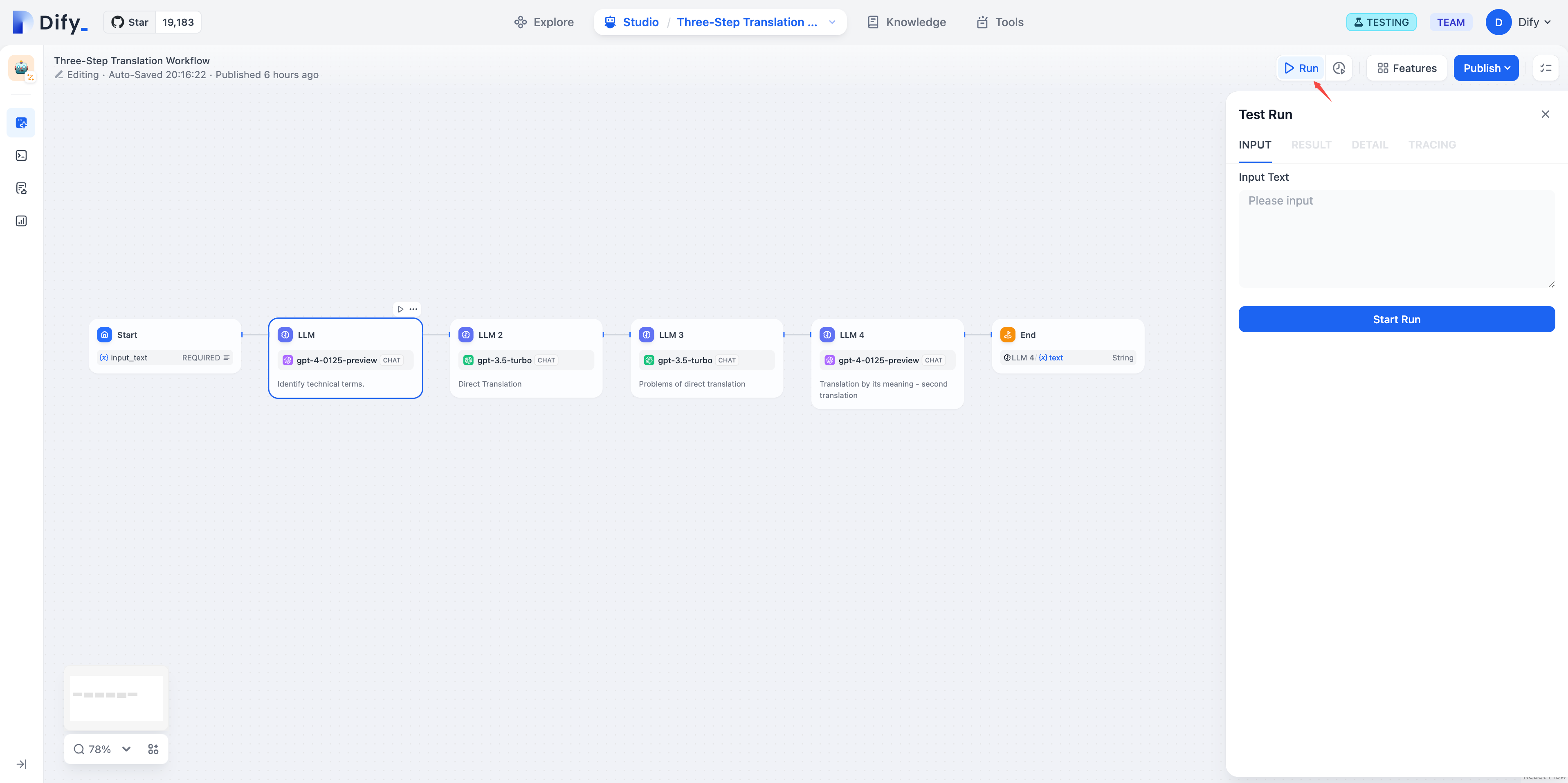 Once in debugging mode, you can debug the configured workflow using the interface on the right side of the screen.
Edit this page
Help improve our documentation by contributing directly
Report an issue
Found an error or have suggestions? Let us know