In the following text, “plugin”, “Dify Plugin”, and “DP” all refer to Dify plugins installed in the Enterprise Edition.
Impact of Plugin Installation on the Cluster
After a plugin is successfully installed, a Runner Pod will run in the K8s cluster with a randomly generated hash as the Pod name. You can view the specific plugin name and version through thepluginName field.
For example, in bfb86f037071c05d3ce1d63c2f4f1e30--6, the suffix --6 indicates this is the sixth installation attempt. If a plugin installation fails, the next reinstallation will automatically increment the suffix number, and the previously failed CR will remain with a Failed status.
Use the following command to view all plugin CRDs:

Deleting Plugins
The complete deletion process includes two steps: cleaning up database records + deleting K8s resources.Cleaning Up the Database
Currently, the simplest way to clean up the database is to click “Delete Plugin” in the Web interface.
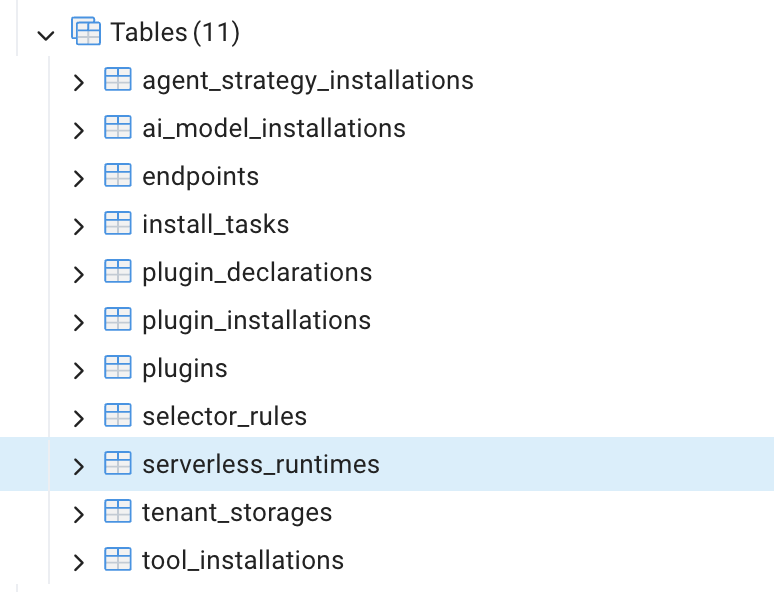
⚠️ Important: You must click “Delete Plugin” in the Web interface first before deleting K8s resources. This operation will delete the installation record from the dify-plugin table. If you skip this step, you will need to manually clean up the relevant records in the following database tables.
Deleting Cluster Resources
Deleting a Specific Plugin
SinceDifyPlugin is a resource managed by Kubernetes Custom Resource Definitions (CRD), directly deleting the Pod cannot completely remove it. You must delete it from the controller level.
Using the plugin above as an example, you can delete a specific plugin by its Pod name. After deleting the DifyPlugin CR, Kubernetes’ garbage collection mechanism will automatically cascade delete all associated child resources.
- Deployment:
bfb86f037071c05d3ce1d63c2f4f1e30--6 - ReplicaSet:
bfb86f037071c05d3ce1d63c2f4f1e30--6-67dbf9f9d5 - Pod:
bfb86f037071c05d3ce1d63c2f4f1e30--6-67dbf9f9d5-k8ktn - Service:
svc-bfb86f037071c05d3ce1d63c2f4f1e30--6
Deleting All Plugins
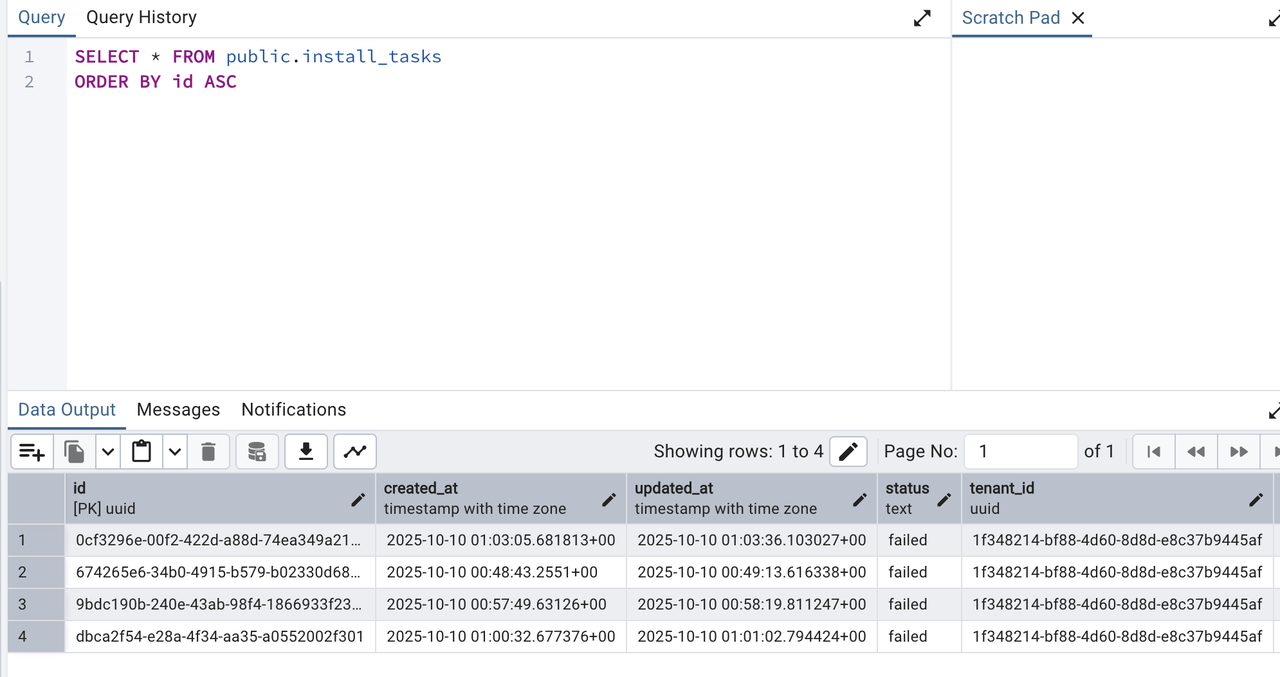
Deleting All Failed Plugins
install_tasks table.