

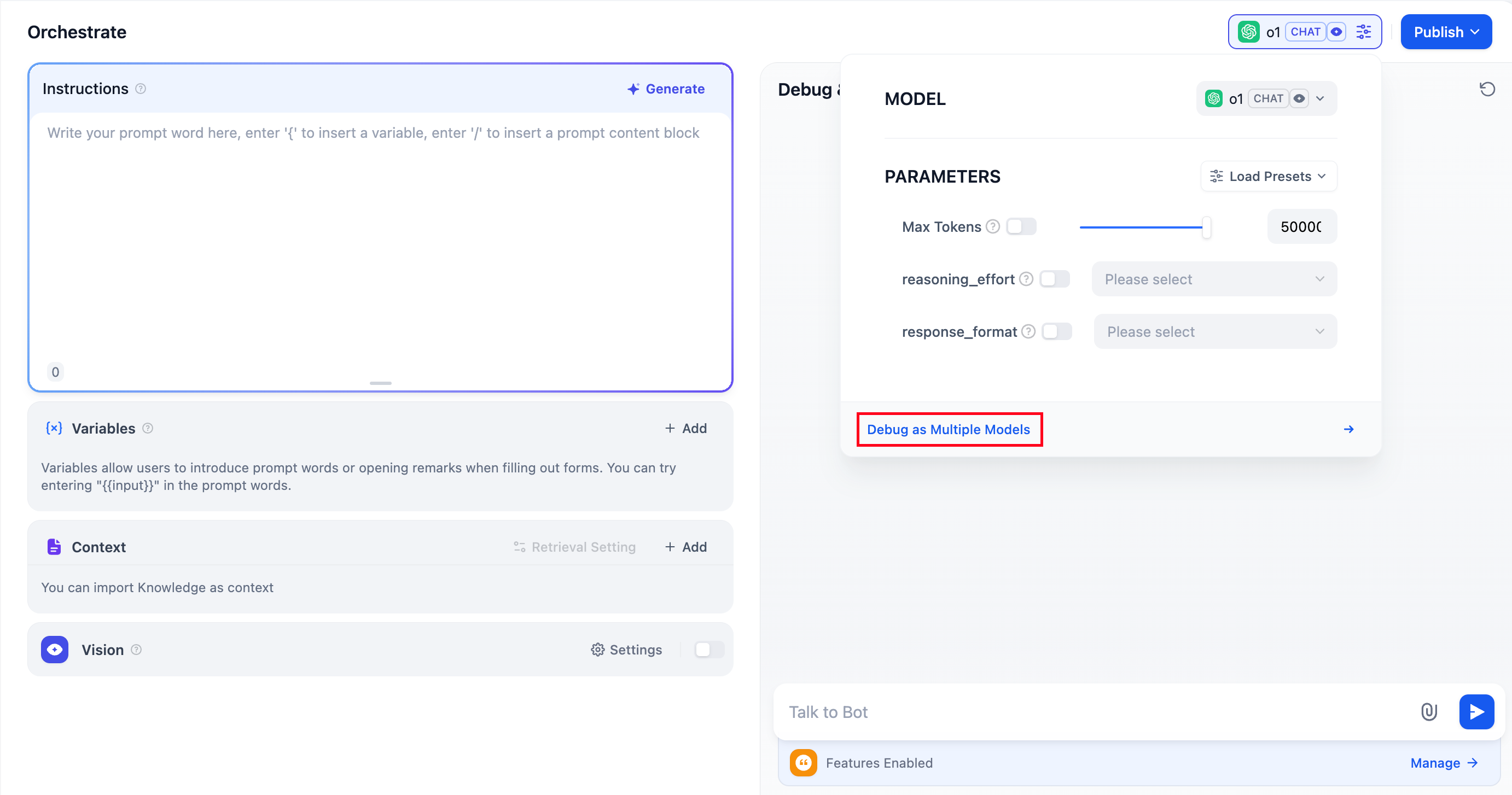
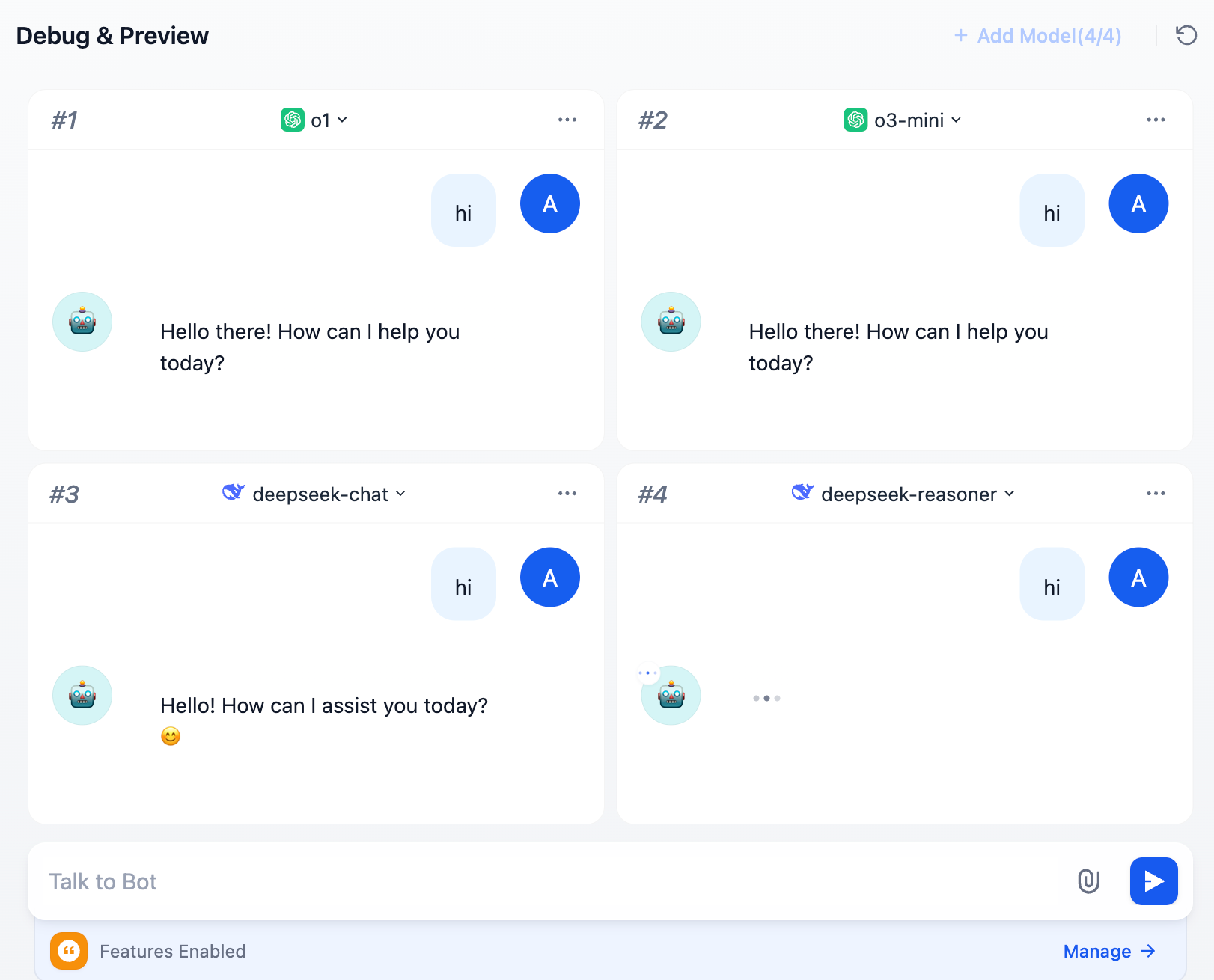
 You can add up to 4 large language models at once.
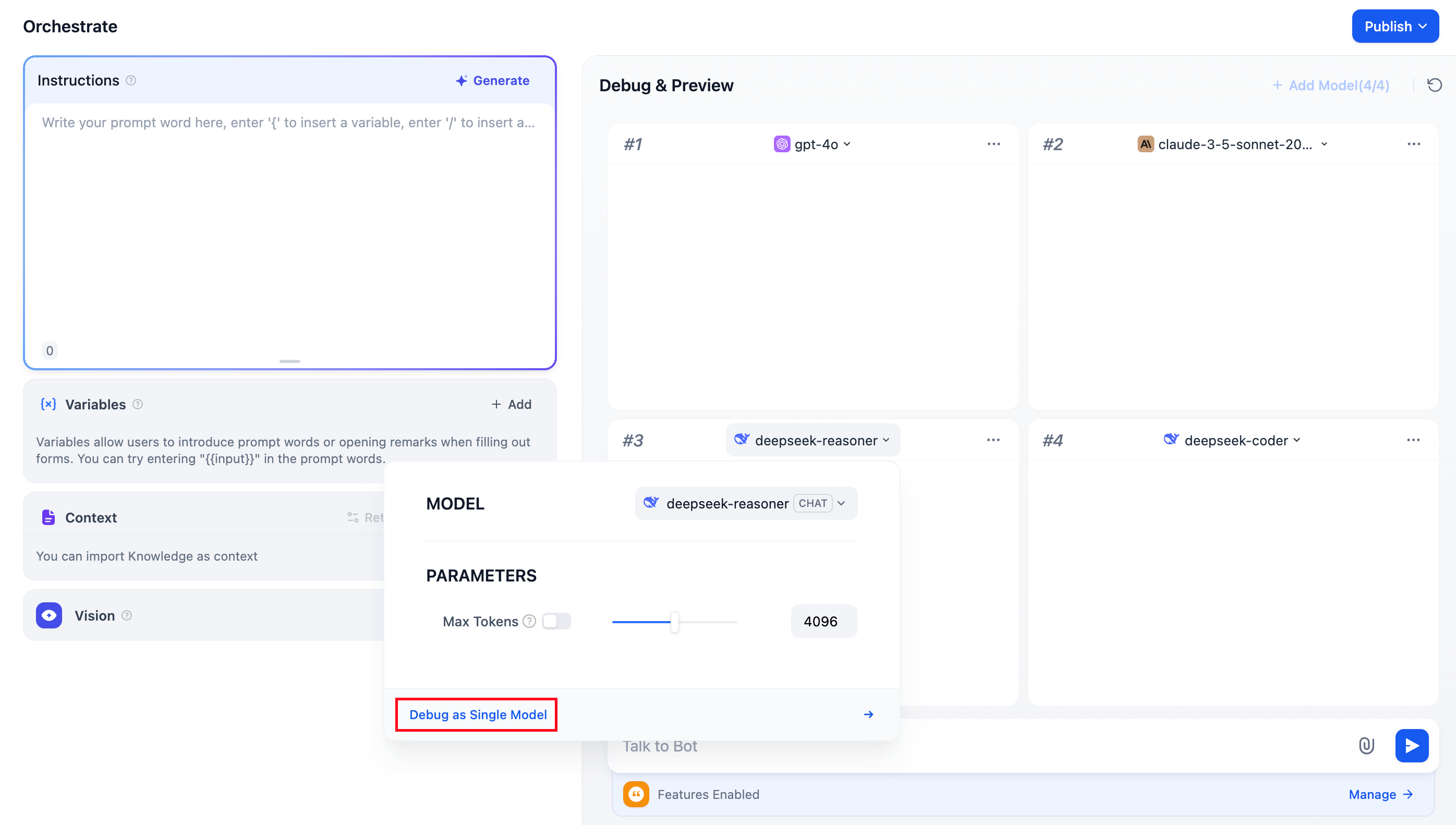
 During debugging, if you find a model that performs well, click “Debug as Single Model” to switch to a dedicated preview window for the model.
FAQ
1. Why aren’t additional models visible when adding LLMs?
Go to “Model Providers”, and follow the instructions to add the keys for multiple models manually.2. How to exit Multiple Model Debugging mode?
Select any model and click “Debug with a Single Model” to exit multiple model debugging mode.Edit this page
Help improve our documentation by contributing directly
Report an issue
Found an error or have suggestions? Let us know