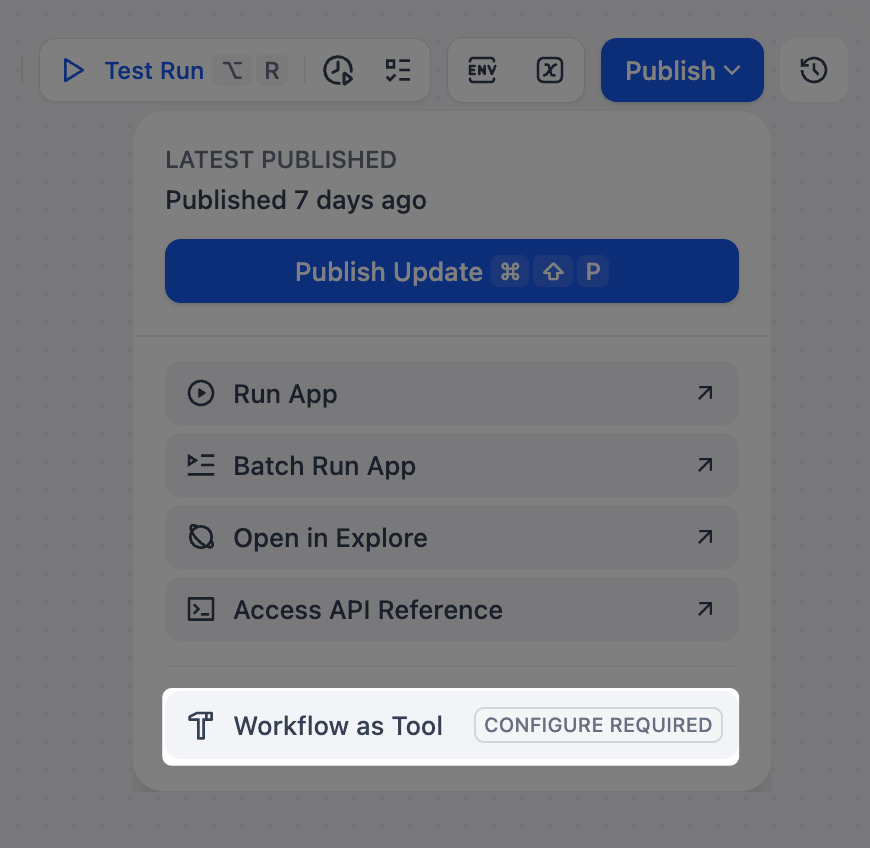
- Workflow / Chatflow apps (as standalone Tool nodes)
- Agent apps
Tool Types
- Built-in
- Custom
- Workflow
Built-in tools are ready-to-use integrations that ship with Dify for common utilities and popular third-party services (e.g., CurrentTime, Google, and DALL-E).Manage AuthorizationSome built-in tools (e.g., Google and GitHub) require an API key or similar credentials before use.On the Tools page, select the tool and click To Authorize, then enter the credentials in the Set Up Authorization dialog. You can also authorize directly from the tool’s settings inside an app or node. Once configured, the credentials apply workspace-wide, so all members can use the tool when orchestrating applications.