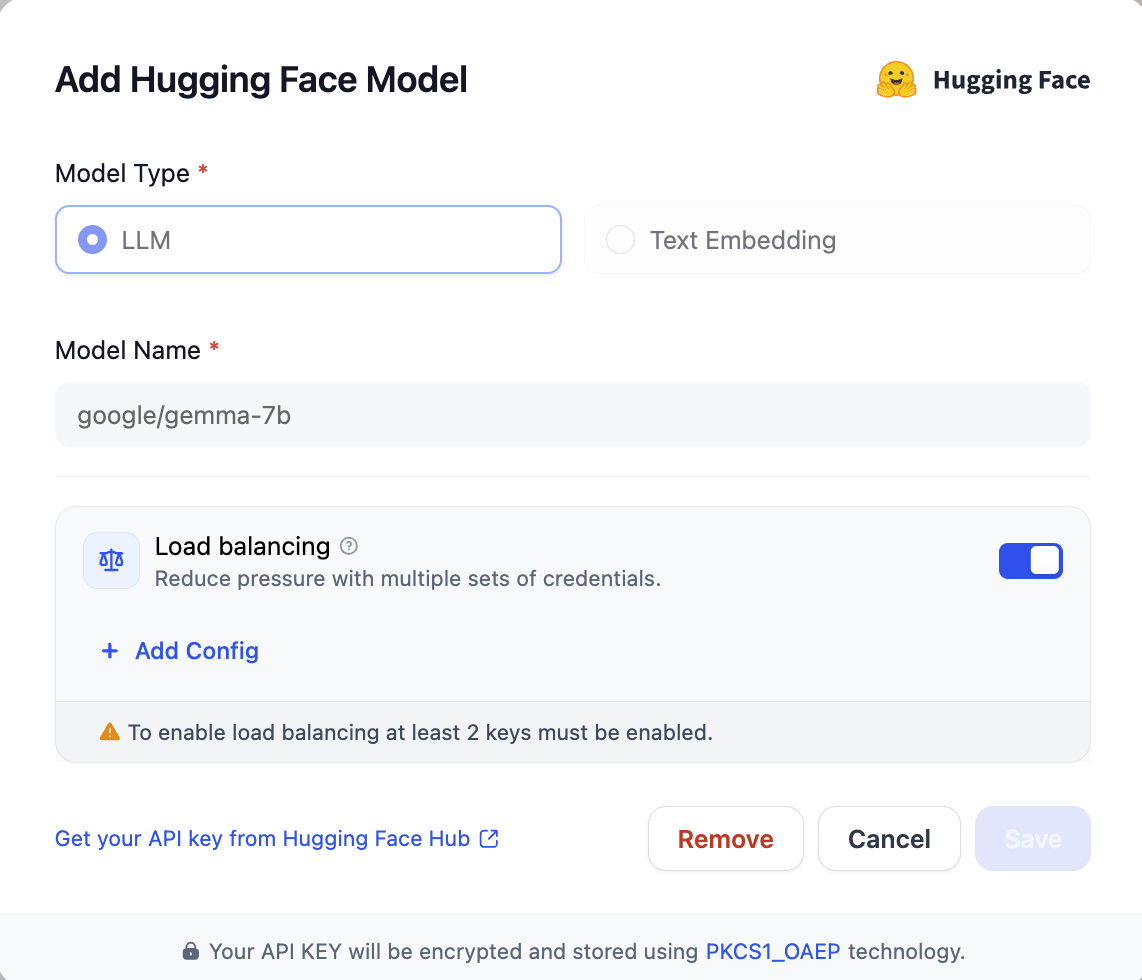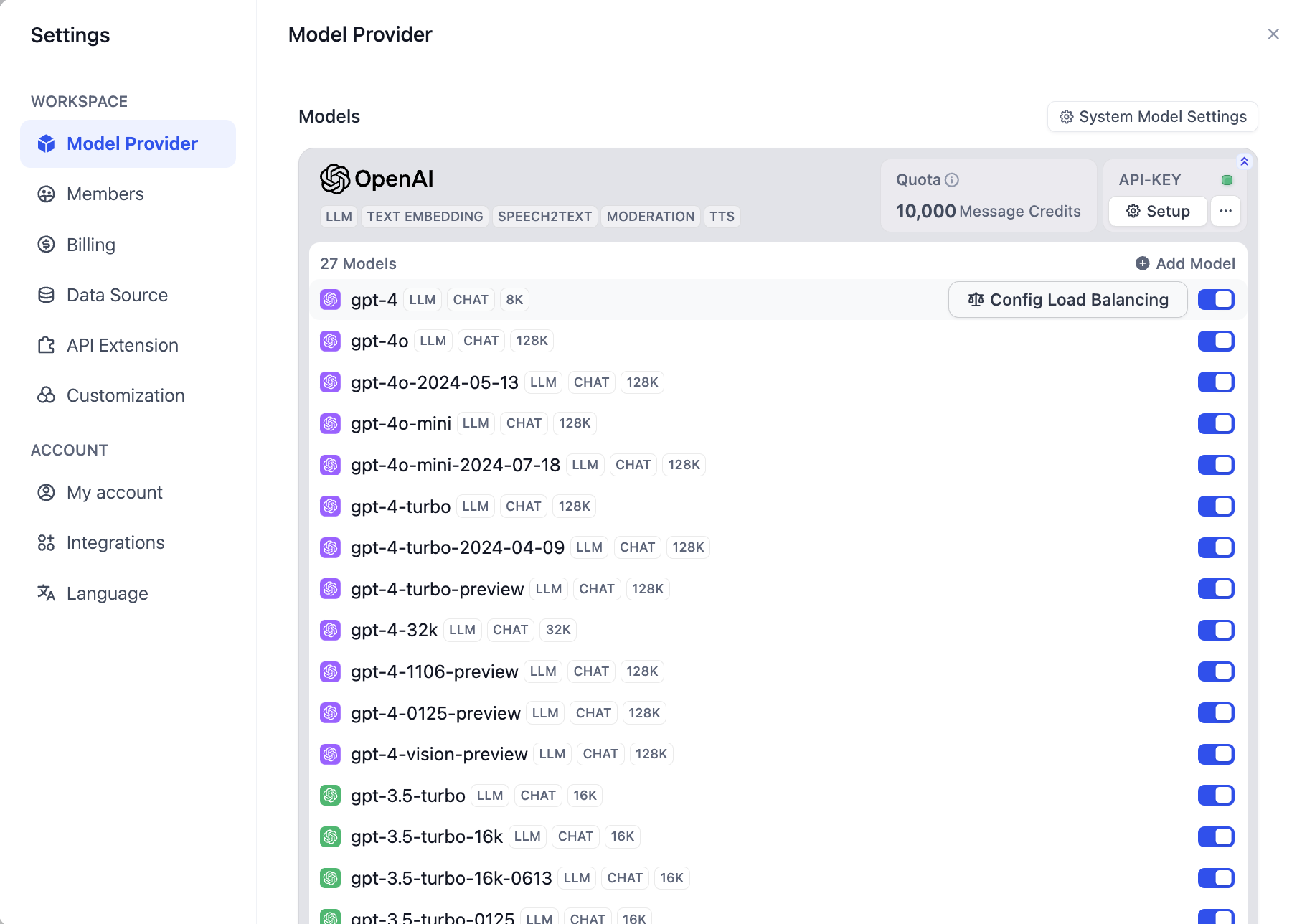
Model load balancing is a paid feature. You can enable it by subscribing to SaaS paid services or purchasing the enterprise edition.
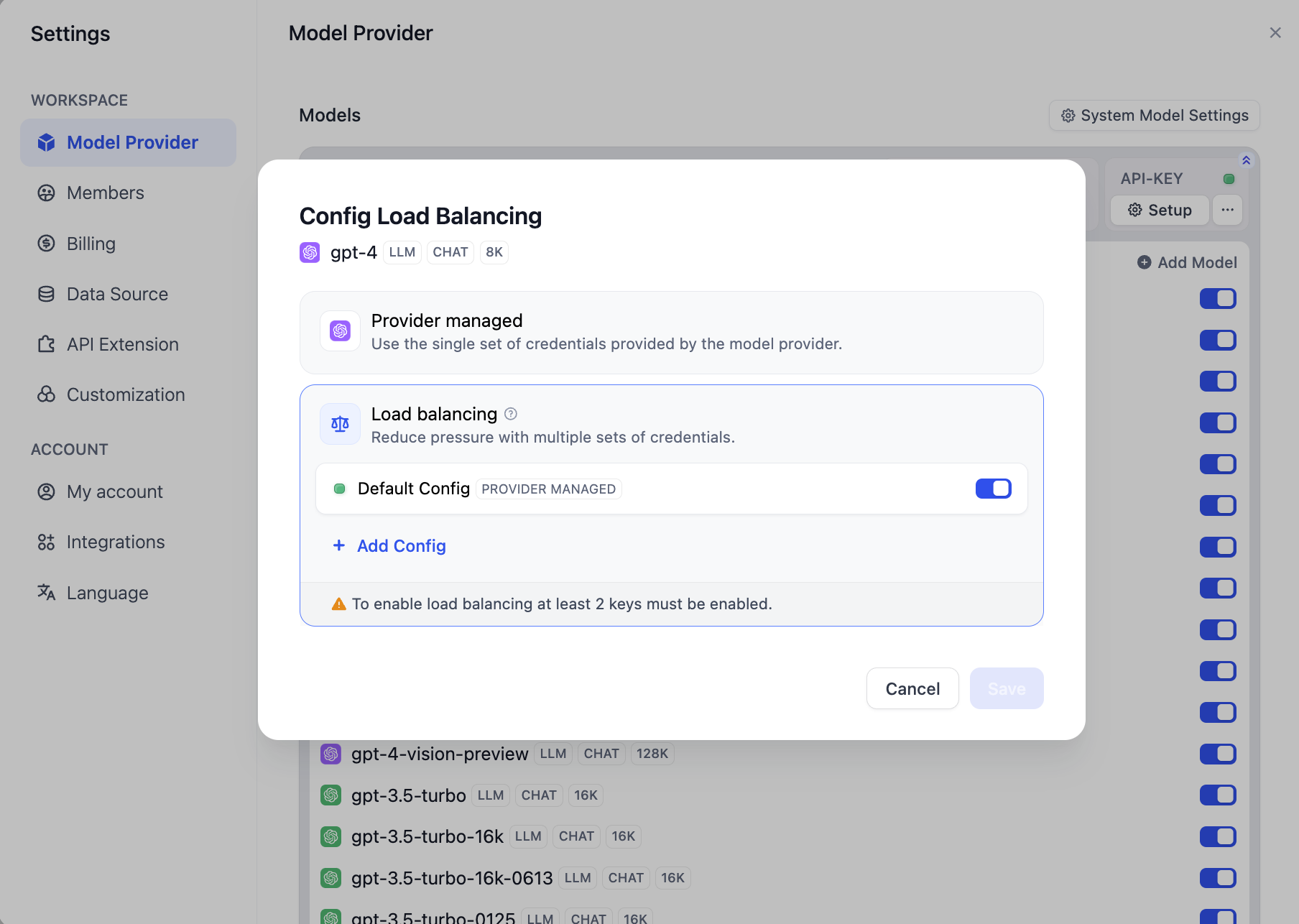 At least one additional model credential must be added to save and enable load balancing.
You can also temporarily disable or delete configured credentials.
At least one additional model credential must be added to save and enable load balancing.
You can also temporarily disable or delete configured credentials.
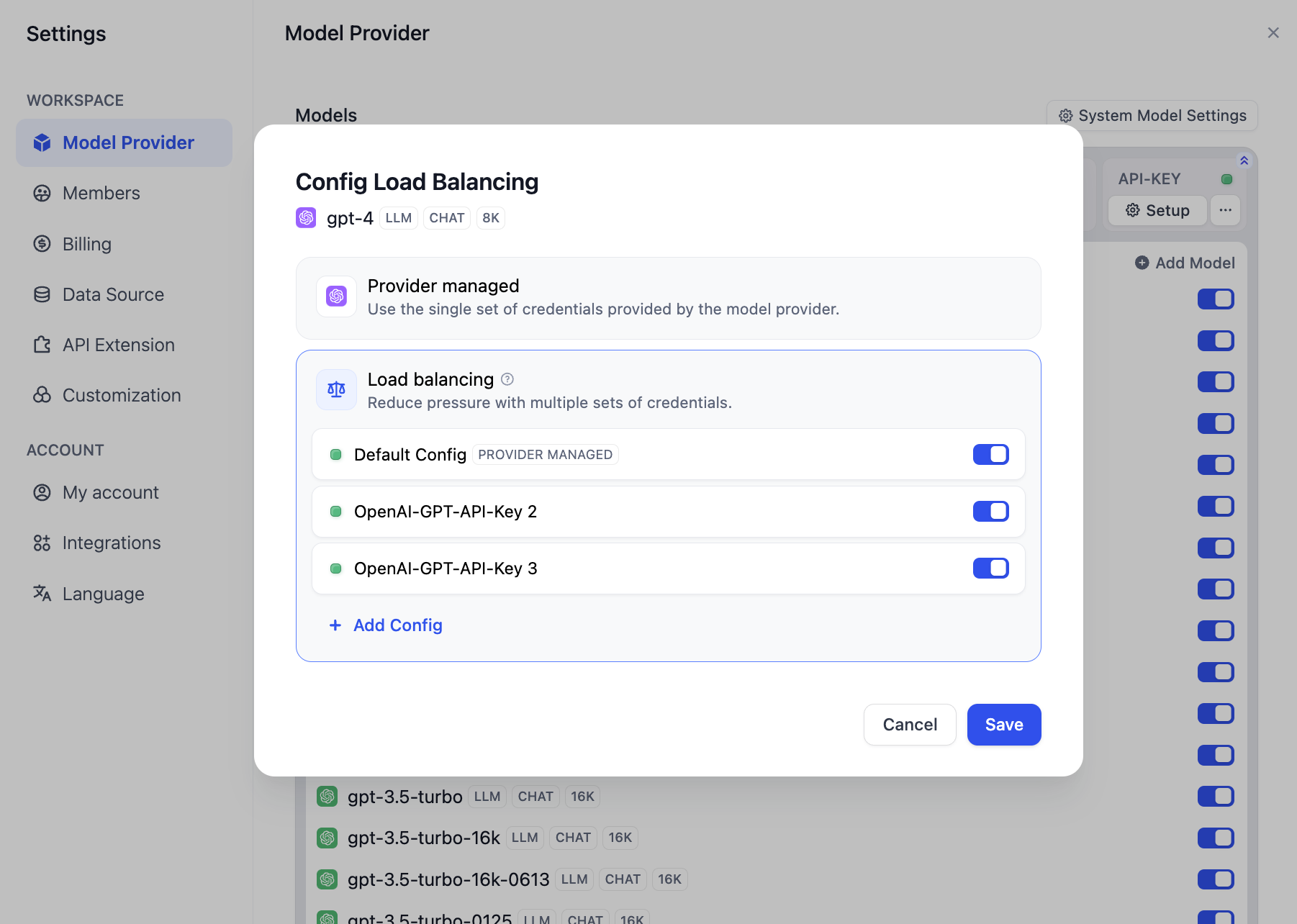 Once configured, all models with load balancing enabled will be displayed in the model list.
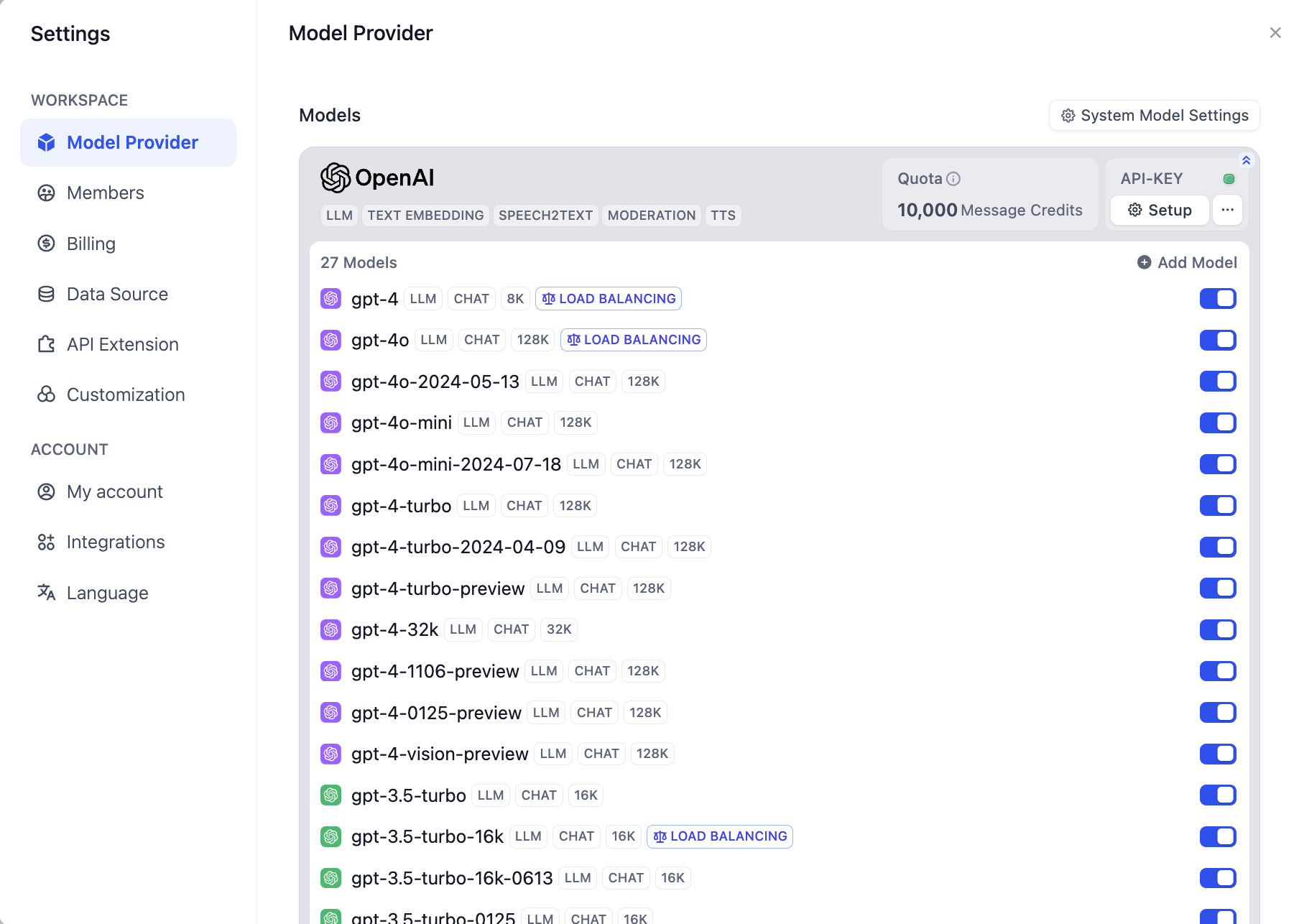
By default, load balancing uses the Round-robin strategy. If the rate limit is triggered, a 1-minute cooldown period will be applied.