> ## Documentation Index
> Fetch the complete documentation index at: https://enterprise-docs.dify.ai/llms.txt
> Use this file to discover all available pages before exploring further.
# Dify 插件
> 模块化组件,通过外部服务、自定义逻辑和专业工具扩展 Dify AI 应用
Dify 插件是模块化组件,通过外部服务、自定义功能和专业工具扩展你用 Dify 构建的 AI 应用。
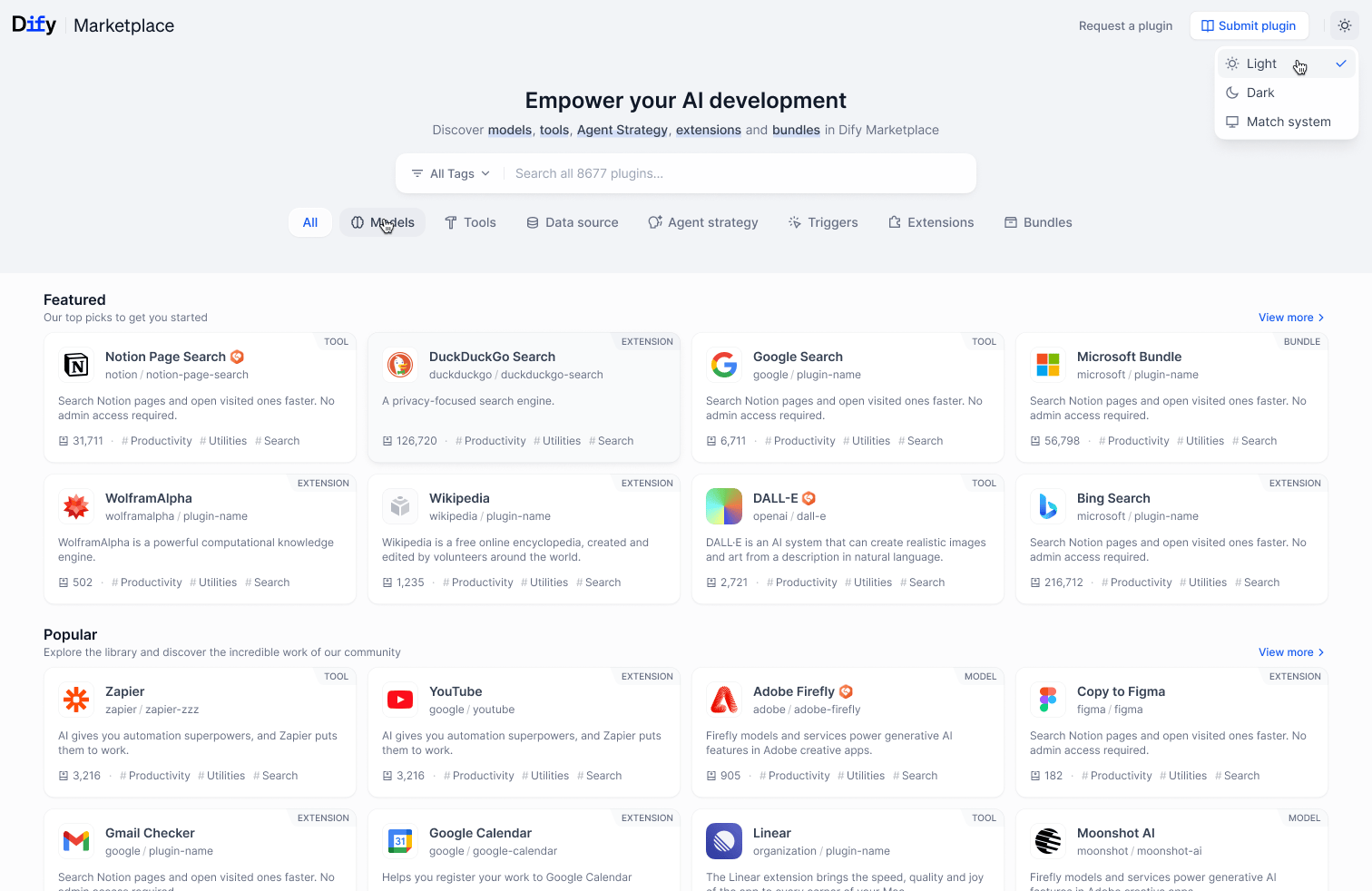 通过插件,你的 AI 应用可以:
* 连接外部 API
* 处理不同类型的数据
* 执行专业计算
* 执行现实世界的操作
## 从这里开始
一份简短的决策指南,帮你在工具、模型、Agent 策略和扩展插件之间做出选择。
在本机上配置 `dify`,几分钟内即可搭建一个新的插件项目。
## 插件类型
## 其他资源
高效插件开发的工具和技术
打包并与 Dify 社区分享你的插件
技术规范和文档
与其他开发者交流并为生态系统做出贡献
***
[编辑此页面](https://github.com/langgenius/dify-docs/edit/main/en/develop-plugin/getting-started/getting-started-dify-plugin.mdx) | [报告问题](https://github.com/langgenius/dify-docs/issues/new?template=docs.yml)
通过插件,你的 AI 应用可以:
* 连接外部 API
* 处理不同类型的数据
* 执行专业计算
* 执行现实世界的操作
## 从这里开始
一份简短的决策指南,帮你在工具、模型、Agent 策略和扩展插件之间做出选择。
在本机上配置 `dify`,几分钟内即可搭建一个新的插件项目。
## 插件类型
## 其他资源
高效插件开发的工具和技术
打包并与 Dify 社区分享你的插件
技术规范和文档
与其他开发者交流并为生态系统做出贡献
***
[编辑此页面](https://github.com/langgenius/dify-docs/edit/main/en/develop-plugin/getting-started/getting-started-dify-plugin.mdx) | [报告问题](https://github.com/langgenius/dify-docs/issues/new?template=docs.yml)