> ## Documentation Index
> Fetch the complete documentation index at: https://enterprise-docs.dify.ai/llms.txt
> Use this file to discover all available pages before exploring further.
# Conversation Application
Conversational applications engage in continuous dialogue with users in a question-and-answer format. These applications support the following features (ensure these functions are enabled during application orchestration):
* Variables filled out before the conversation.
* Creation, pinning, and deletion of conversations.
* Conversation opening statements.
* Next step question suggestions.
* Speech-to-text.
* References and attributions.
### Variables Filled Out Before the Conversation
If you have set variable filling requirements during application orchestration, you will need to fill out the prompted information before entering the conversation window:
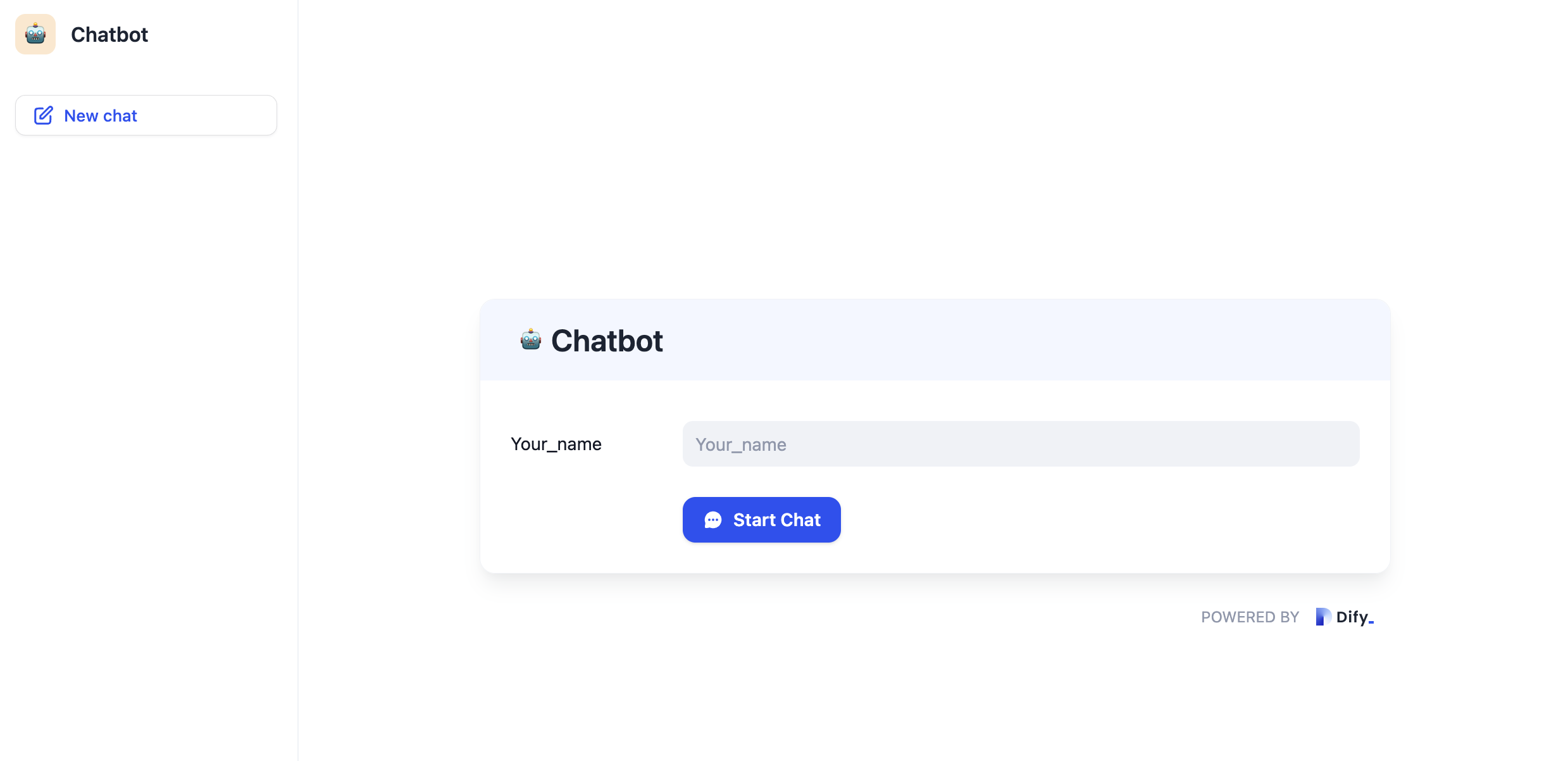
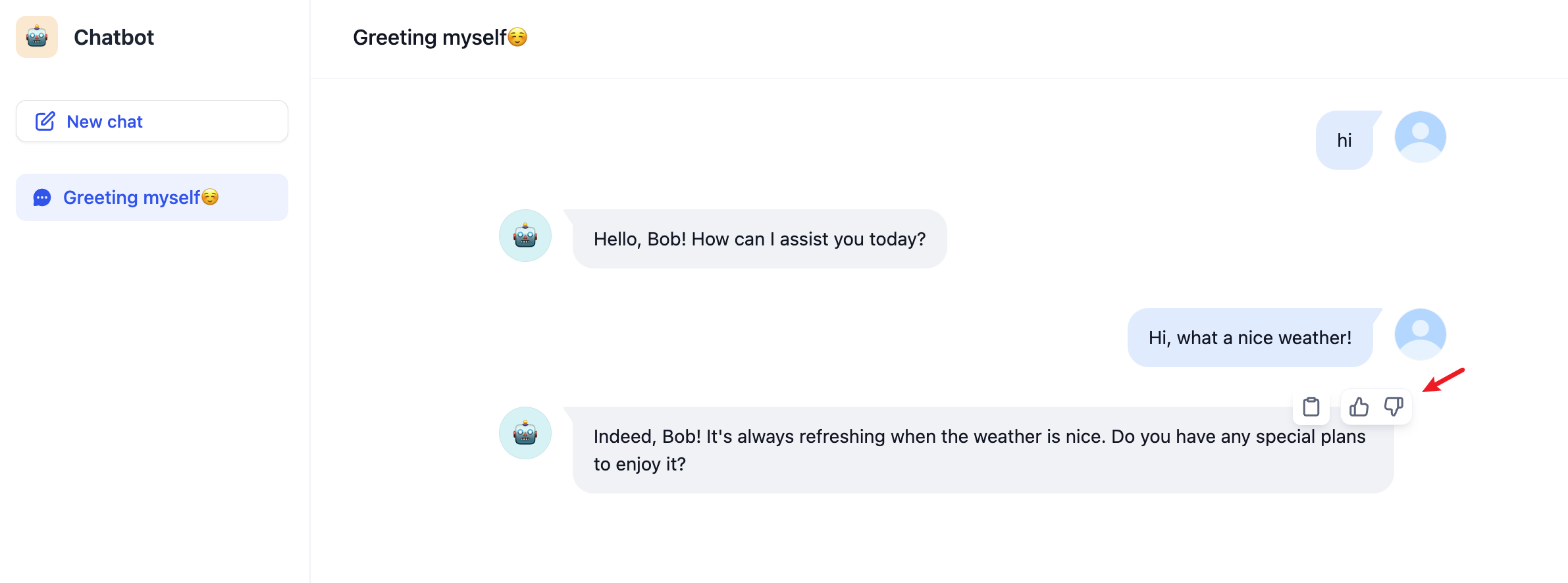
Fill in the necessary details and click the "Start Conversation" button to begin chatting. Hover over the AI's response to copy the conversation content, and provide "like" or "dislike" feedback.
### Creation, Pinning, and Deletion of Conversations
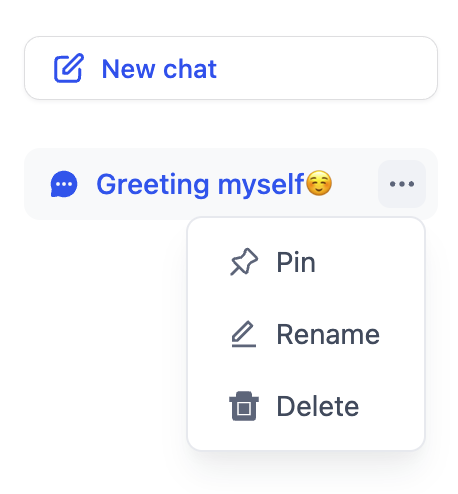
Click the "New Conversation" button to start a new conversation. Hover over a conversation to pin or delete it.
### Conversation Opener
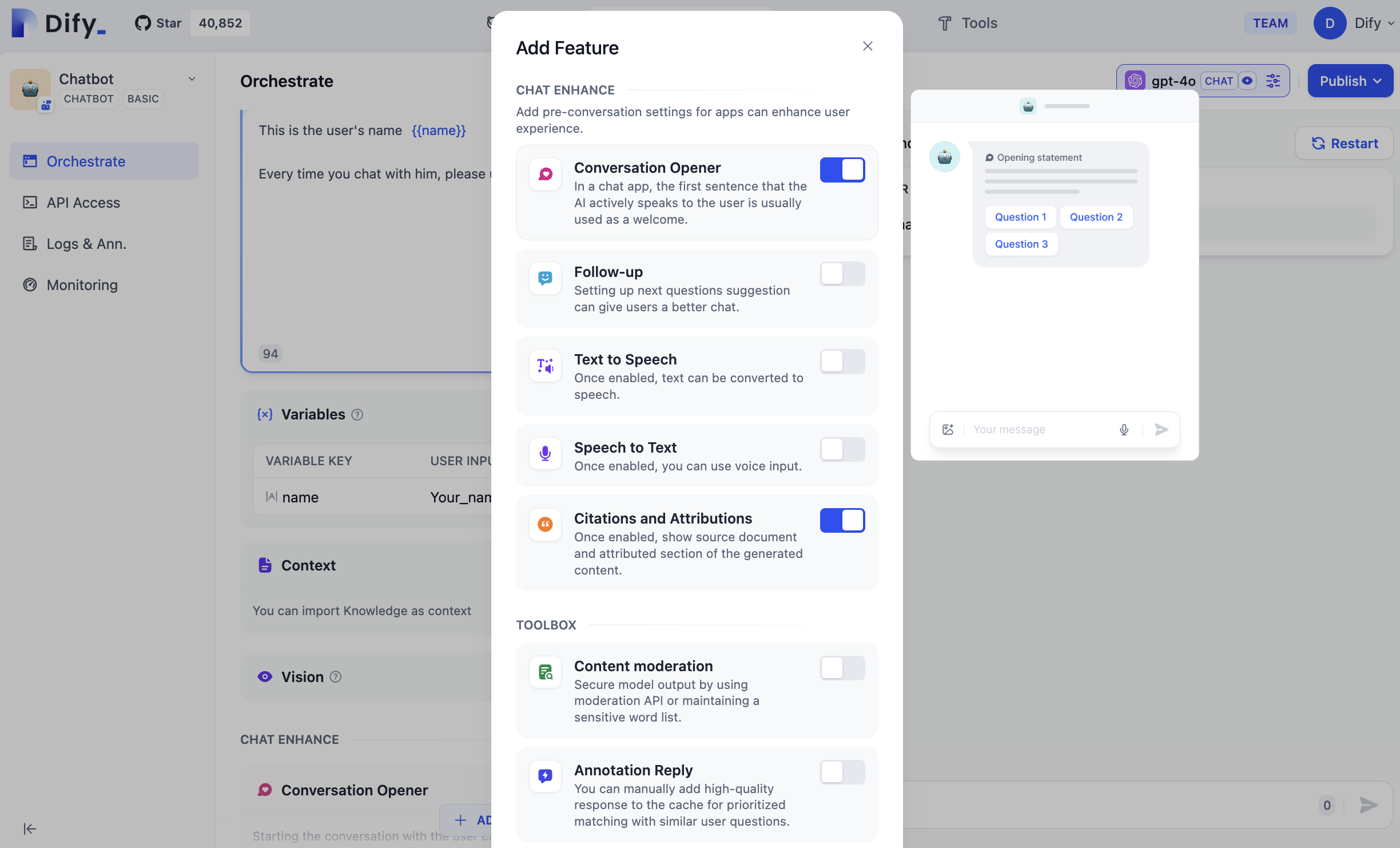
If the "Conversation Opener" feature is enabled on the application orchestration page, the AI application will automatically initiate the first line of dialogue when a new conversation is created.
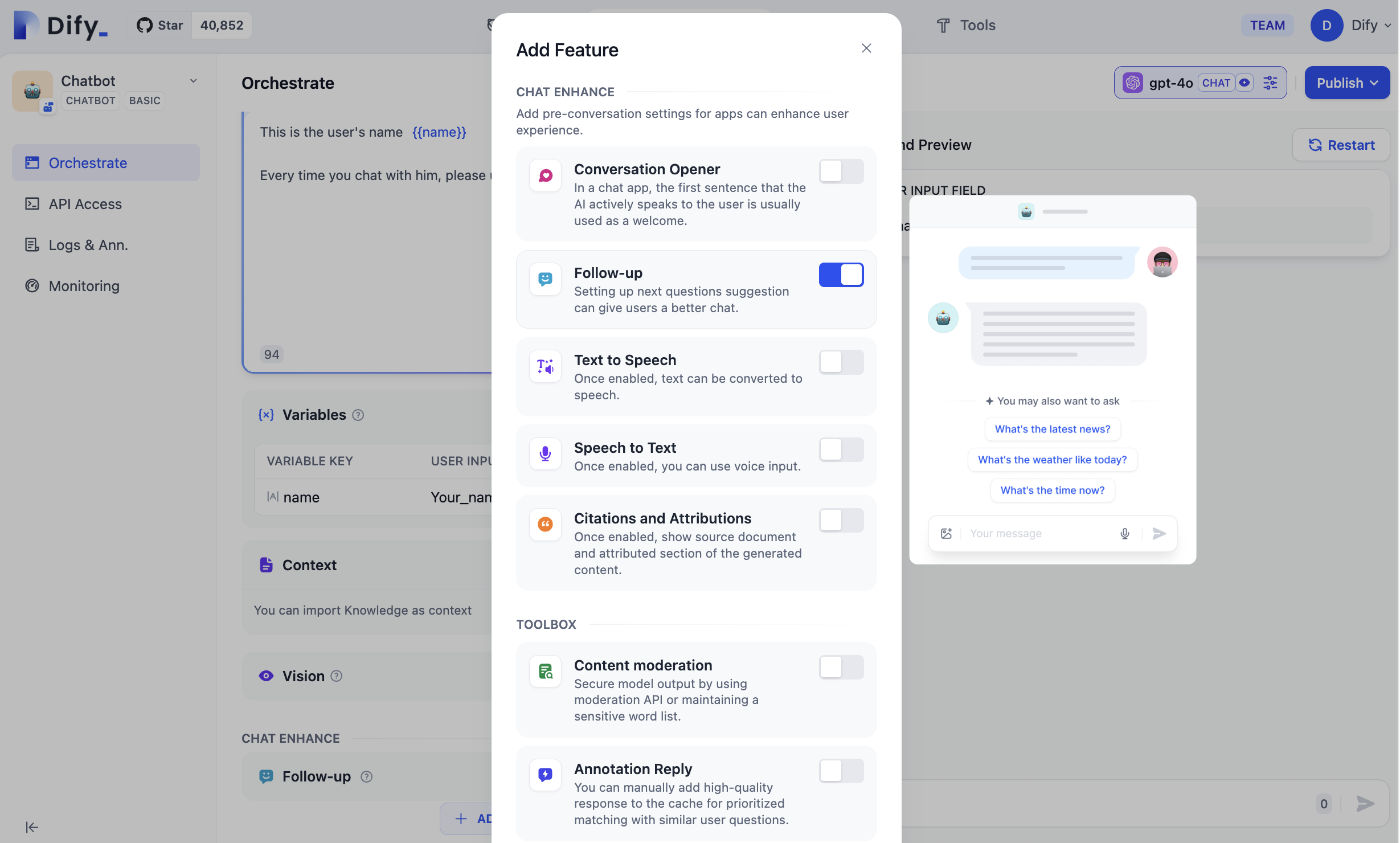
### Follow Up
If the "Follow-up" feature is enabled on the application orchestration page, the system will automatically generate 3 relevant question suggestions after the conversation:
### Speech-to-Text
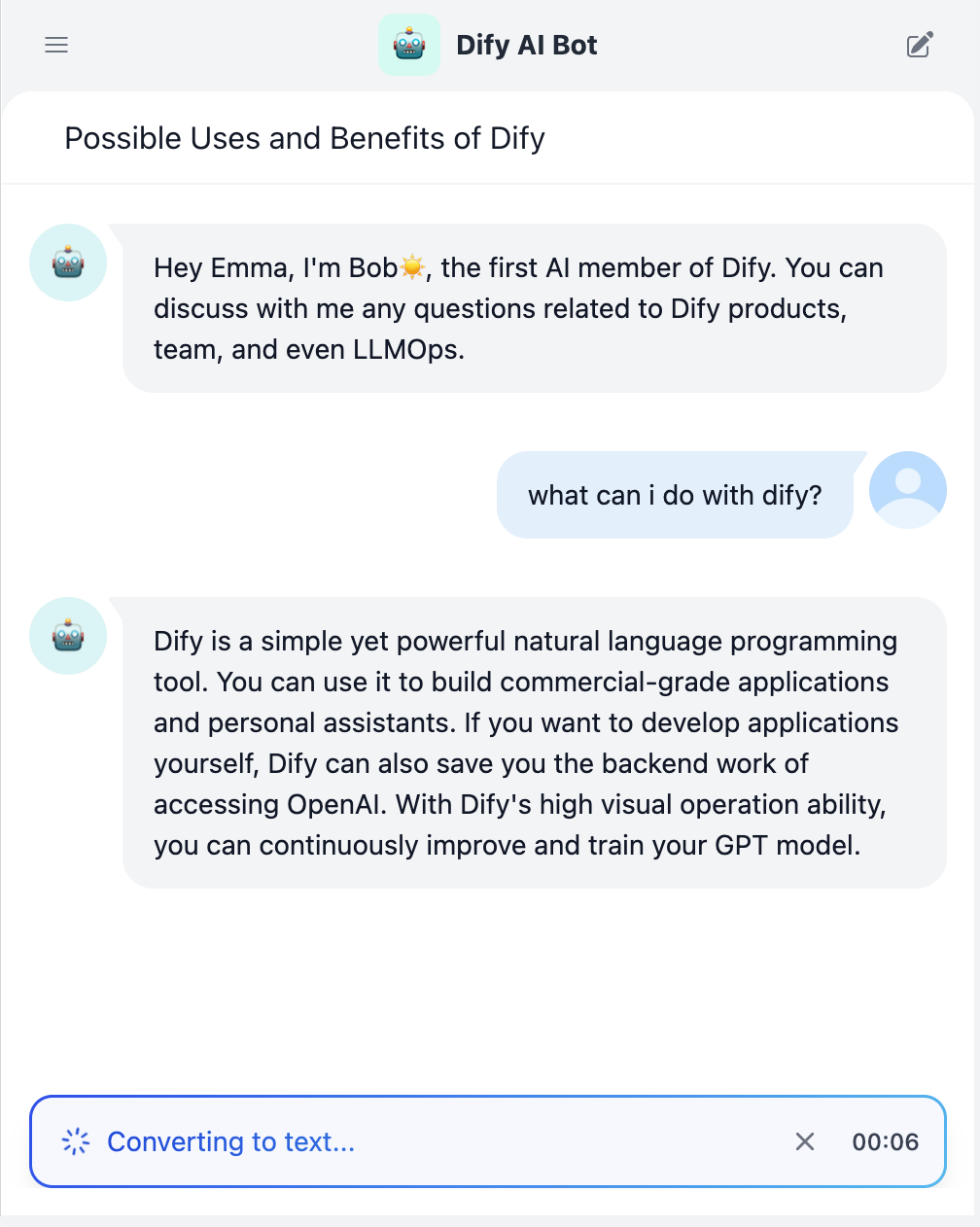
If the "Speech-to-Text" feature is enabled during application orchestration, you will see a speech input icon in the input box of the web application. Click the icon to convert speech to text:
*Please ensure that your device environment is authorized to use the microphone.*
### References and Attributions
When testing the knowledge base effect within the application, you can go to **Workspace -- Add Function -- Citation and Attribution** to enable the citation attribution feature. For detailed instructions, please refer to [Citation and Attribution](/en/3.9.x/use/knowledge-base/retrieval-test-and-citation).
Help improve our documentation by contributing directly
Found an error or have suggestions? Let us know