> ## Documentation Index
> Fetch the complete documentation index at: https://enterprise-docs.dify.ai/llms.txt
> Use this file to discover all available pages before exploring further.
# Create Knowledge Base
Steps to upload documents to create a knowledge base:
1. Create a knowledge base and import either local document file or online data.
Create a knowledge base and import either local document file or online data.
2. Choose a chunking mode and preview the spliting results. This stage involves content preprocessing and structuring, where long texts are divided into multiple smaller chunks.
Choose a chunking mode and preview the spliting results. This stage involves content preprocessing and structuring, where long texts are divided into multiple smaller chunks.
3. Configure the indexing method and retrieval setting. Once the knowledge base receives a user query, it searches existing documents according to preset retrieval methods and extracts highly relevant content chunks.
Configure the indexing method and retrieval setting. Once the knowledge base receives a user query, it searches existing documents according to preset retrieval methods and extracts highly relevant content chunks.
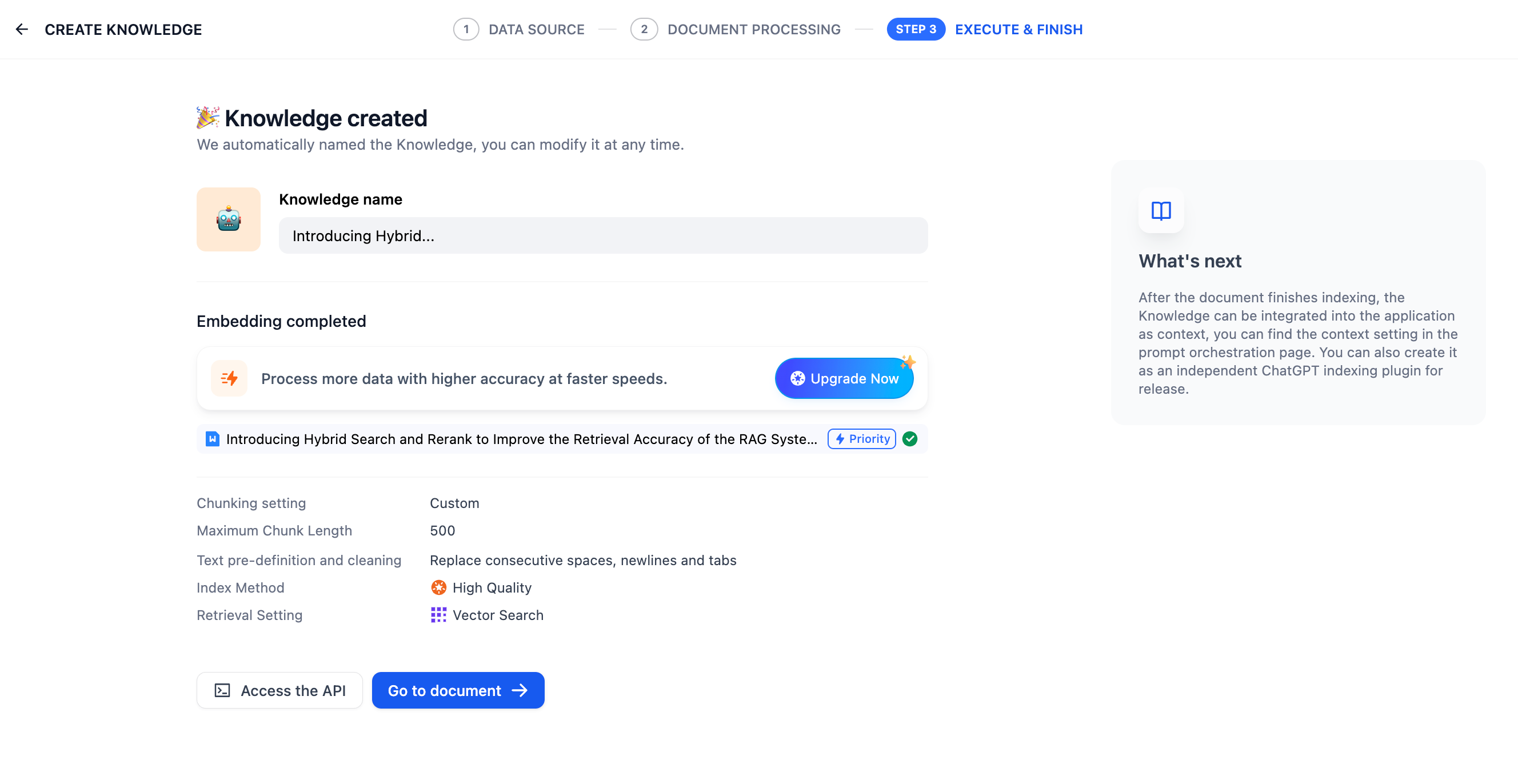
4. Wait for the chunk embeddings to complete.
5. Once finished, link the knowledge base to your application and start using it. You can then [integrate it into your application](../integrate-knowledge-within-application) to build an LLM that are capable of Q\&A based on knowledge-bases. If you want to modify and manage the knowledge base further, take refer to Knowledge Base and Document Maintenance.
***
### Reference
#### ETL
In production-level applications of RAG, to achieve better data retrieval, multi-source data needs to be preprocessed and cleaned, i.e., ETL (extract, transform, load). To enhance the preprocessing capabilities of unstructured/semi-structured data, Dify supports optional ETL solutions: **Dify ETL** and [**Unstructured ETL**](https://unstructured.io/).
> Unstructured can efficiently extract and transform your data into clean data for subsequent steps.
ETL solution choices in different versions of Dify:
* The SaaS version defaults to using Unstructured ETL and cannot be changed;
* The community version defaults to using Dify ETL but can enable Unstructured ETL through [environment variables](/en/3.6.x/deploy/advanced-configuration/environment-variables#zhi-shi-ku-pei-zhi);
Differences in supported file formats for parsing:
| DIFY ETL | Unstructured ETL |
| ------------------------------------------------------- | --------------------------------------------------------------------------------------- |
| txt, markdown, md, pdf, html, htm, xlsx, xls, docx, csv | txt, markdown, md, pdf, html, htm, xlsx, xls, docx, csv, eml, msg, pptx, ppt, xml, epub |
Different ETL solutions may have differences in file extraction effects. For more information on Unstructured ETL’s data processing methods, please refer to the [official documentation](https://docs.unstructured.io/open-source/core-functionality/partitioning).
#### **Embedding**
**Embedding** transforms discrete variables (words, sentences, documents) into continuous vector representations, mapping high-dimensional data to lower-dimensional spaces. This technique preserves crucial semantic information while reducing dimensionality, enhancing content retrieval efficiency.
**Embedding models**, specialized large language models, excel at converting text into dense numerical vectors, effectively capturing semantic nuances for improved data processing and analysis.
#### **Metadata**
For managing the knowledge base with metadata, see *[Metadata](../metadata)*.
Help improve our documentation by contributing directly
Found an error or have suggestions? Let us know