> ## Documentation Index
> Fetch the complete documentation index at: https://enterprise-docs.dify.ai/llms.txt
> Use this file to discover all available pages before exploring further.
# Dify Tools
> Manage tools that enable LLMs to interact with external services and APIs
Dify tools enable LLMs to interact with external services and APIs, so they can access real-time data and perform actions (e.g., web searches, database queries, or content processing).
Each tool has a clear interface: what inputs it accepts, what action it performs, and what output it returns. This helps LLMs decide when and how to call a tool based on user requests.
Use tools in:
* Workflow / Chatflow apps (as standalone [Tool nodes](/en/3.2.x/use/nodes/tools), or within [Agent nodes](/en/3.2.x/use/nodes/agent#tool-configuration))
* [Agent apps](/en/3.2.x/use/build/agent#extend-the-agent-with-dify-tools)
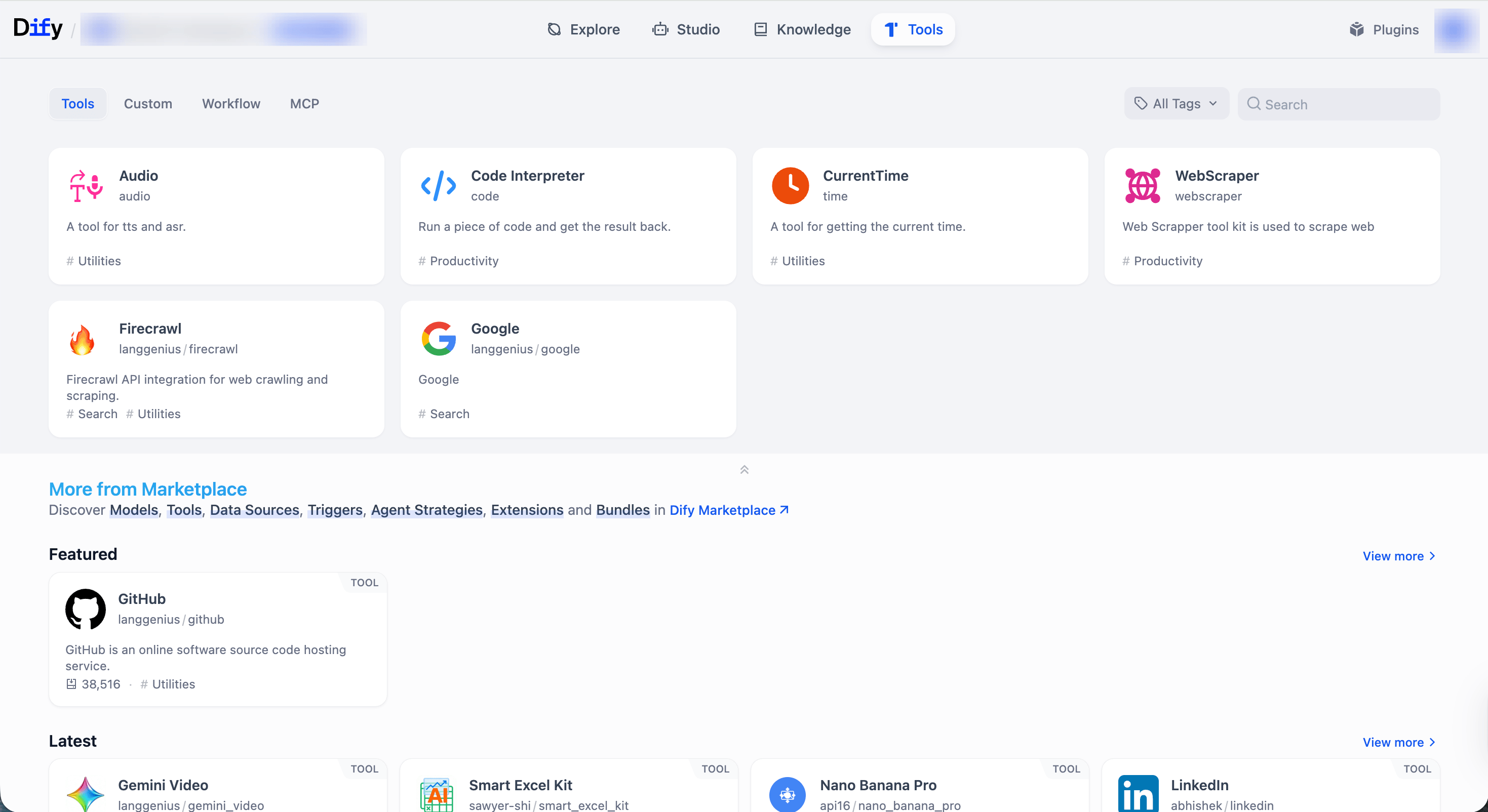
All your tools can be managed on the **Tools** page.
 ## Tool Types
[Plugin](/en/3.2.x/use/workspace/plugins) tools are ready-to-use integrations provided by Dify and the community for common utilities and popular third-party services.
In addition to built-in plugin tools (like CurrentTime) available out of the box, you can explore and install more from [Dify Marketplace](https://marketplace.dify.ai/).
**Manage Authorization**
Some plugin tools (e.g., Google and GitHub) require an API key or similar credentials before use.
You can manage workspace-level credentials for these tools from the **Tools** or **Plugins** page, or directly within the tool settings inside an app or node.
Integrate external services as custom tools using a standard OpenAPI (Swagger) specification. This is ideal for connecting Dify to internal systems or third-party services not available as plugins.
Paste your OpenAPI schema, import it from a URL, or start from a provided example. Dify will parse the spec and generate the tool interface automatically.
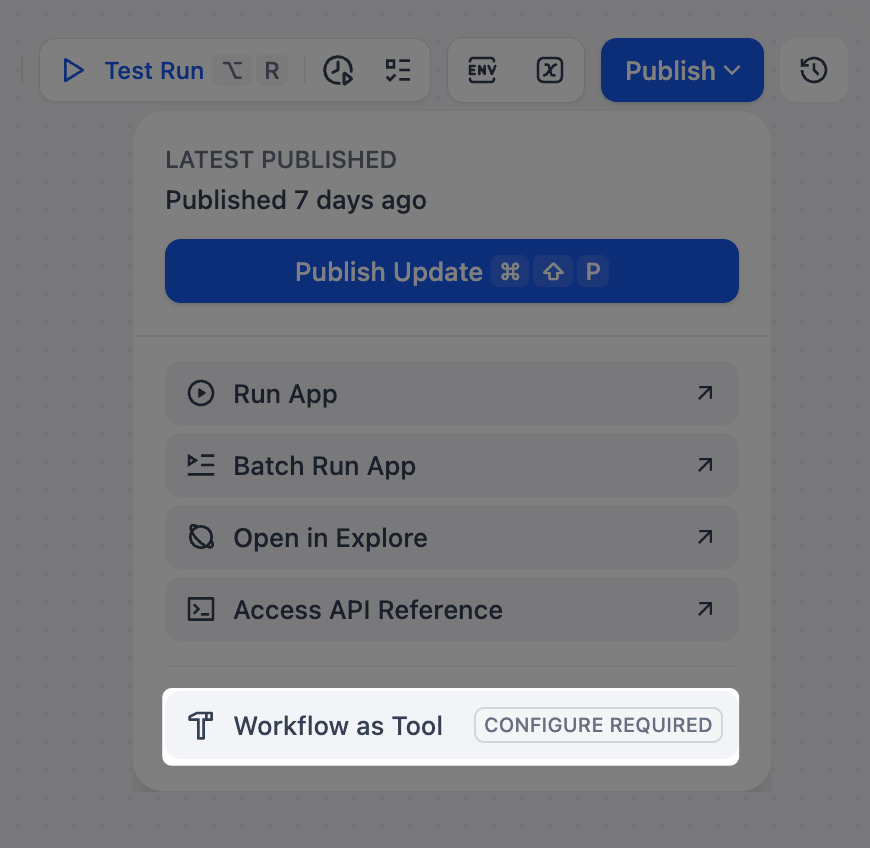
Turn any workflow into a reusable tool. **Chatflows are not supported**.
This allows you to encapsulate complex, multi-step logic into a single function that can be easily reused across different Dify apps.
## Tool Types
[Plugin](/en/3.2.x/use/workspace/plugins) tools are ready-to-use integrations provided by Dify and the community for common utilities and popular third-party services.
In addition to built-in plugin tools (like CurrentTime) available out of the box, you can explore and install more from [Dify Marketplace](https://marketplace.dify.ai/).
**Manage Authorization**
Some plugin tools (e.g., Google and GitHub) require an API key or similar credentials before use.
You can manage workspace-level credentials for these tools from the **Tools** or **Plugins** page, or directly within the tool settings inside an app or node.
Integrate external services as custom tools using a standard OpenAPI (Swagger) specification. This is ideal for connecting Dify to internal systems or third-party services not available as plugins.
Paste your OpenAPI schema, import it from a URL, or start from a provided example. Dify will parse the spec and generate the tool interface automatically.
Turn any workflow into a reusable tool. **Chatflows are not supported**.
This allows you to encapsulate complex, multi-step logic into a single function that can be easily reused across different Dify apps.