> ## Documentation Index
> Fetch the complete documentation index at: https://enterprise-docs.dify.ai/llms.txt
> Use this file to discover all available pages before exploring further.
# Manage Knowledge Content
## Manage Documents
In a knowledge base, each imported item—whether a local file, a Notion page, or a web page—becomes a document.
From the document list, you can view and manage all these documents to keep your knowledge accurate, relevant, and up-to-date.
Click the knowledge base name at the top to quickly switch between knowledge bases.
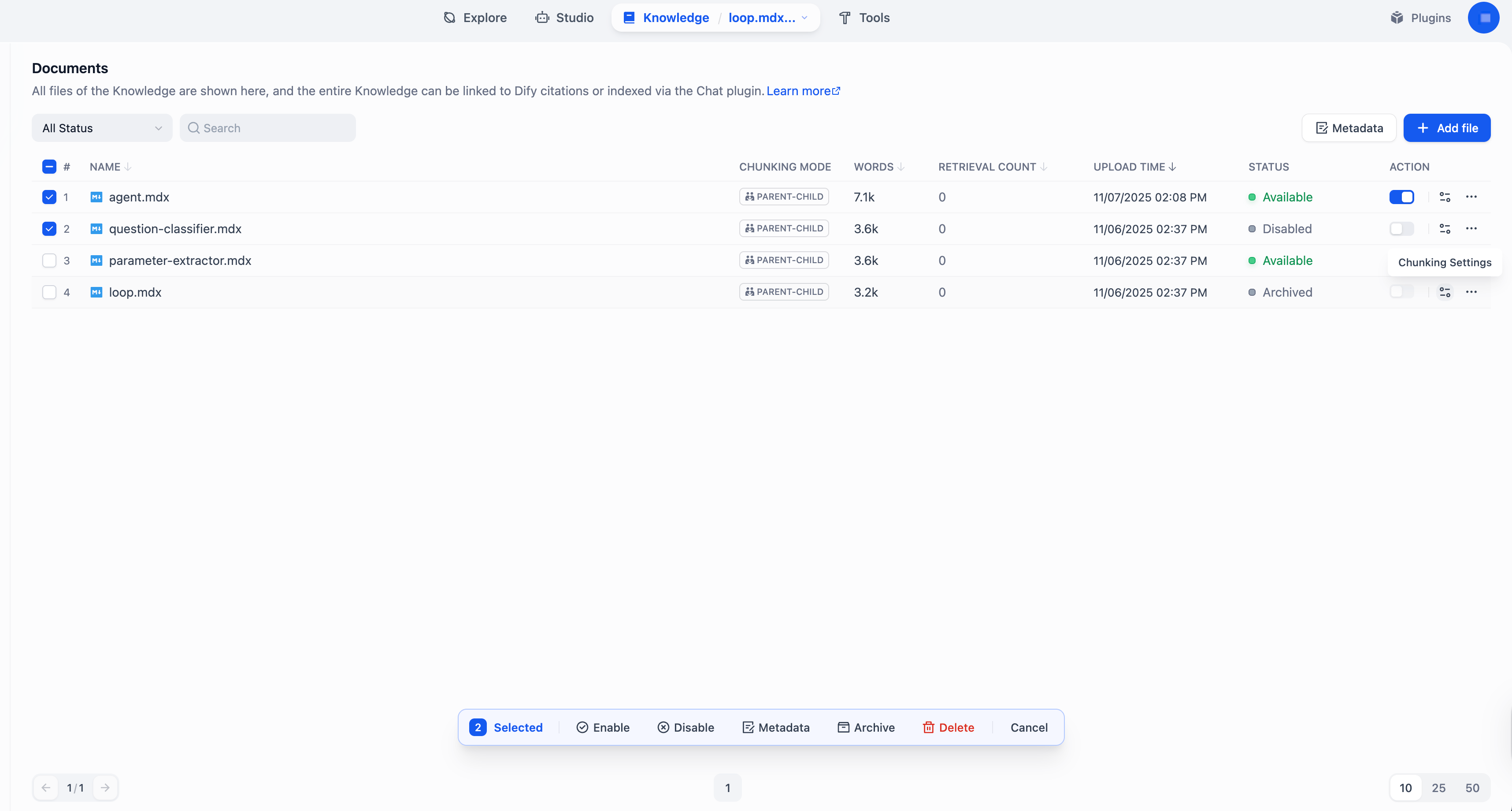 | Action | Description |
| :-------------------- | :------------------------------------------------------------------------------------------------------------------------------------------------------------------------------------------------------------------------------------------------ |
| Add | Import a new document. |
| Modify Chunk Settings | Modify a document's chunk settings (excluding the chunking mode, General or Parent-child).Each document can have its own chunk settings, while the chunking mode is shared across the knowledge base and cannot be changed once set. |
| Delete | Permanently remove a document. **Deletion cannot be undone**. |
| Enable / Disable | Temporarily include or exclude a document from retrieval. |
| Archive / Unarchive | Archive a document that you no longer need for retrieval but still want to keep. Archived documents are read-only and can be unarchived at any time. |
| Edit | Modify the content of a document by editing its chunks. See [Manage Chunks](#manage-chunks) for details. |
| Rename | Change the name of a document. |
## Manage Chunks
According to its chunk settings, every document is split into content chunks—the basic units for retrieval.
From the chunk list within a document, you can view and manage all its chunks to improve the retrieval efficiency and accuracy.
Click the document name in the upper-left corner to quickly switch between documents.
| Action | Description |
| :-------------------- | :------------------------------------------------------------------------------------------------------------------------------------------------------------------------------------------------------------------------------------------------ |
| Add | Import a new document. |
| Modify Chunk Settings | Modify a document's chunk settings (excluding the chunking mode, General or Parent-child).Each document can have its own chunk settings, while the chunking mode is shared across the knowledge base and cannot be changed once set. |
| Delete | Permanently remove a document. **Deletion cannot be undone**. |
| Enable / Disable | Temporarily include or exclude a document from retrieval. |
| Archive / Unarchive | Archive a document that you no longer need for retrieval but still want to keep. Archived documents are read-only and can be unarchived at any time. |
| Edit | Modify the content of a document by editing its chunks. See [Manage Chunks](#manage-chunks) for details. |
| Rename | Change the name of a document. |
## Manage Chunks
According to its chunk settings, every document is split into content chunks—the basic units for retrieval.
From the chunk list within a document, you can view and manage all its chunks to improve the retrieval efficiency and accuracy.
Click the document name in the upper-left corner to quickly switch between documents.
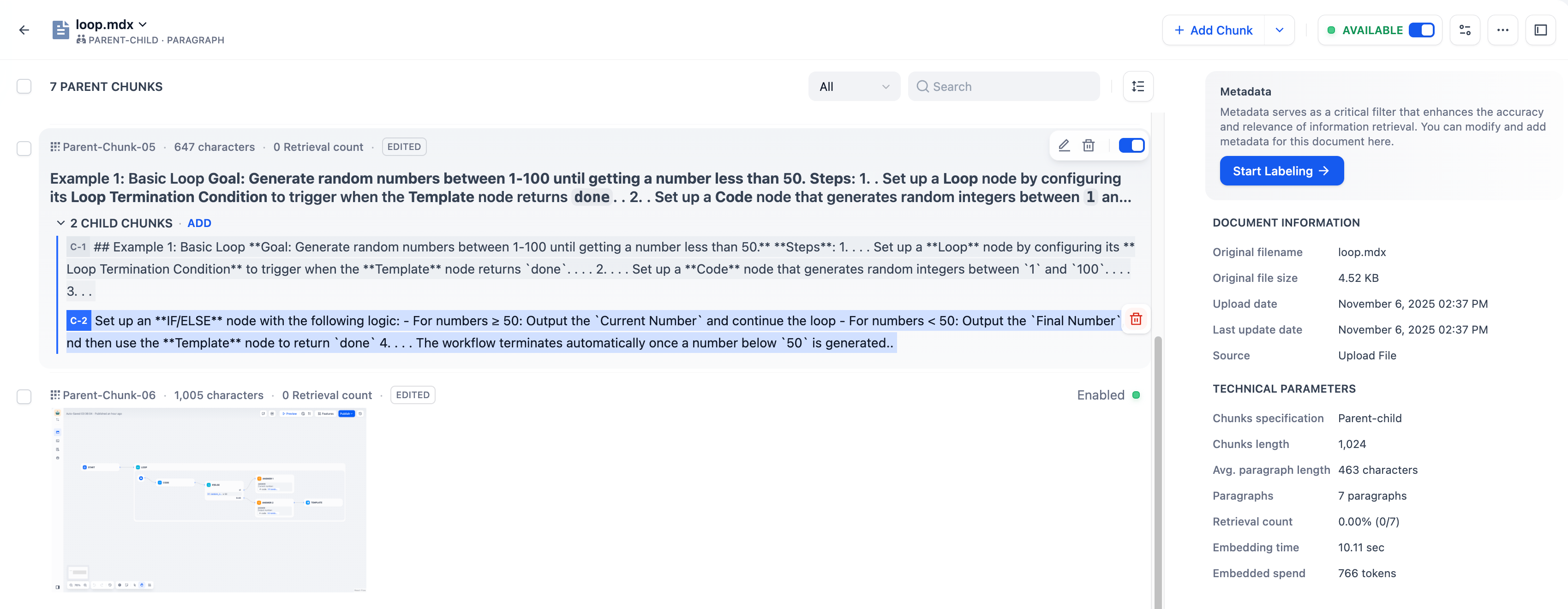 | Action | Description |
| :--------------------------- | :-------------------------------------------------------------------------------------------------------------------------------------------------------------------------------------------------------------------------------------------------------------------------------------------------------------------------- |
| Add | Add one or batch add multiple new chunks.
| Action | Description |
| :--------------------------- | :-------------------------------------------------------------------------------------------------------------------------------------------------------------------------------------------------------------------------------------------------------------------------------------------------------------------------- |
| Add | Add one or batch add multiple new chunks.
For documents chunked with Parent-child mode, both new parent and child chunks can be added. |
| Delete | Permanently remove a chunk. **Deletion cannot be undone**. |
| Enable / Disable | Temporarily include or exclude a chunk from retrieval. Disabled chunks cannot be edited. |
| Edit | Modify the content of a chunk. Edited chunks are marked **Edited**.
For knowledge bases using the Parent-child chunk mode: - When editing a parent chunk, you can choose to regenerate its child chunks or keep them unchanged.
- Editing a child chunk does not update its parent chunk.
|
| Add / Edit / Delete Keywords | Add or modify keywords (up to 10) for a chunk to improve its retrievability. Only available for knowledge bases using the Economical index method. |
## Best Practices
### Check Chunk Quality
After a document is chunked, carefully review each chunk to ensure it's semantically complete and appropriately sized for optimal retrieval accuracy and response relevance.
Common issues to watch for:
* Chunks are **too short**—may lack sufficient context, leading to semantic loss and inaccurate answers.
* Chunks are **too long**—may include irrelevant information, introducing semantic noise and lowering retrieval precision.
* Chunks are **semantically incomplete**—caused by forced chunking that cuts through sentences or paragraphs, resulting in missing or misleading content during retrieval.
### Use Child Chunks as Retrieval Hooks for Parent Chunks
For documents chunked with Parent-child mode, the system searches across child chunks but returns the parent chunks. Since editing a child chunk does not update its parent, you can treat child chunks as semantic tags or retrieval hints for their parent chunks.
To do this, rewrite child chunks into **keywords**, **summaries**, or **common user queries**. For example, if a parent chunk covers technical "LED Status Indicators", you could rephrase its child chunks as:
* *blinking light, won't turn on, red light, connection error, frozen* (keywords)
* *Guide to interpreting LED colors and troubleshooting hardware power or pairing issues* (summaries)
* *What does a solid red light mean?* (queries)