> ## Documentation Index
> Fetch the complete documentation index at: https://enterprise-docs.dify.ai/llms.txt
> Use this file to discover all available pages before exploring further.
# End
> Define the final output content of a workflow
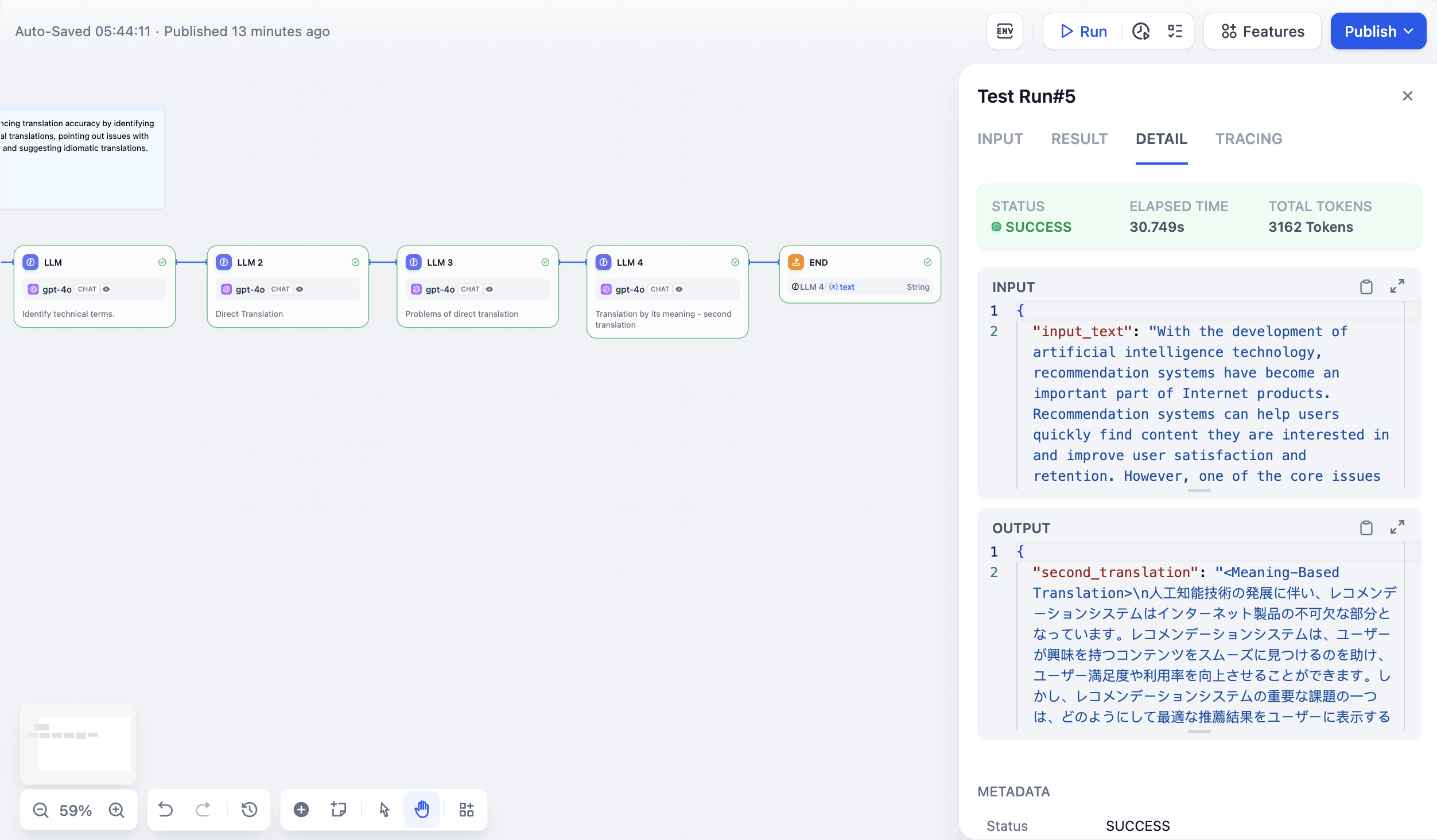
Use the End node to define the final output content of a workflow. Every workflow requires at least one End node to output the result of its complete execution.
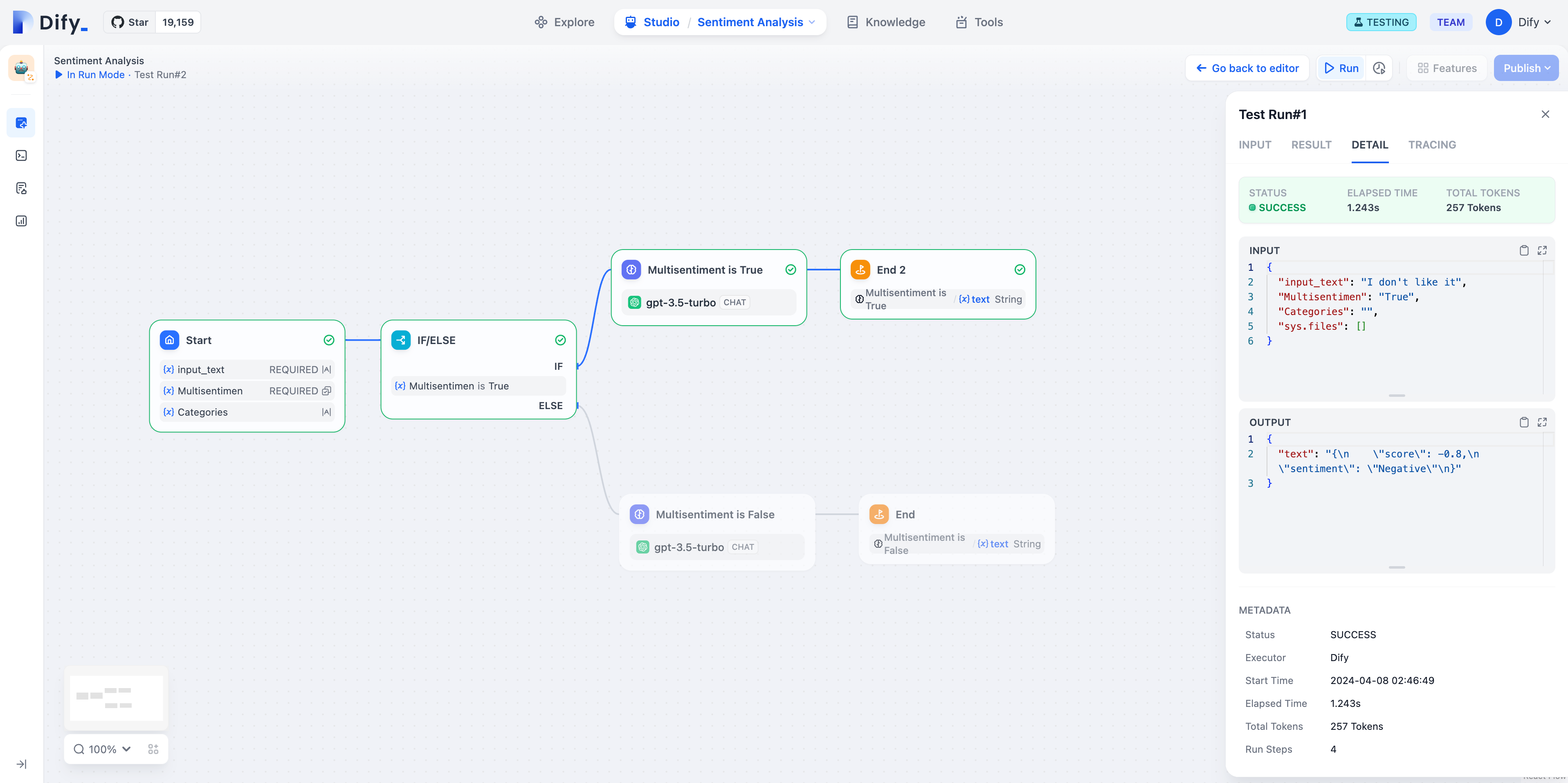
The End node is a termination point in the flow; no further nodes can be added after it. In a workflow application, results are only output when execution reaches an End node. If the flow contains conditional branches, you need to define multiple End nodes.
The End node must declare one or more output variables, which can reference the output variables of any upstream node.
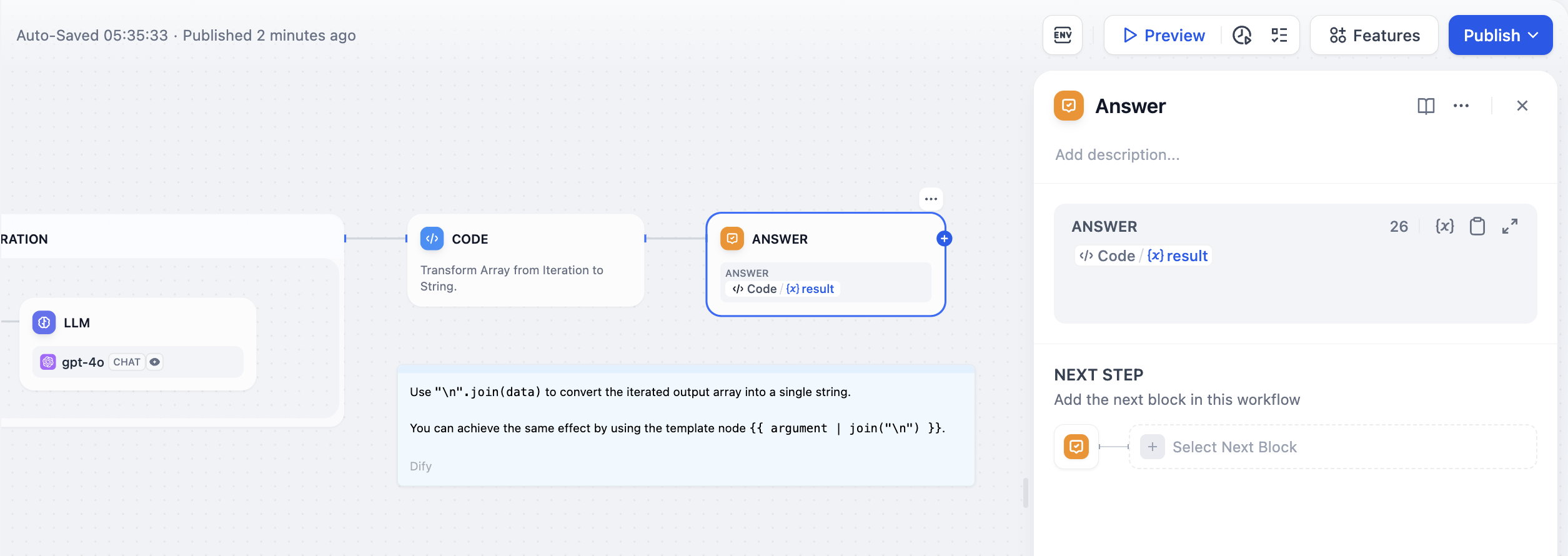
End nodes are only available in Workflows. Chatflows use the [Answer](/en/2.5.x/use/nodes/answer) node instead.
## Scenarios
In the [long article generation example](/en/2.5.x/use/nodes/iteration#long-article-generation-example), the variable `Output` declared by the End node is the output of the upstream Code node. This means the workflow ends after the Code node completes execution and outputs the Code node's result.
**Single-path execution:**
**Multi-path execution:**